I’ve tried just about every file-sharing method out there at this point, and while LocalSend and Blip are fan favorites, I personally prefer PairDrop for one reason — it doesn’t require you to install yet another app on your devices. But that’s not the only advantage it has. PairDrop is also free, open-source, fast, and reliable, which makes it the easiest way to move files across platforms.
PairDrop has one big advantage over LocalSend and Blip
Convenience is king


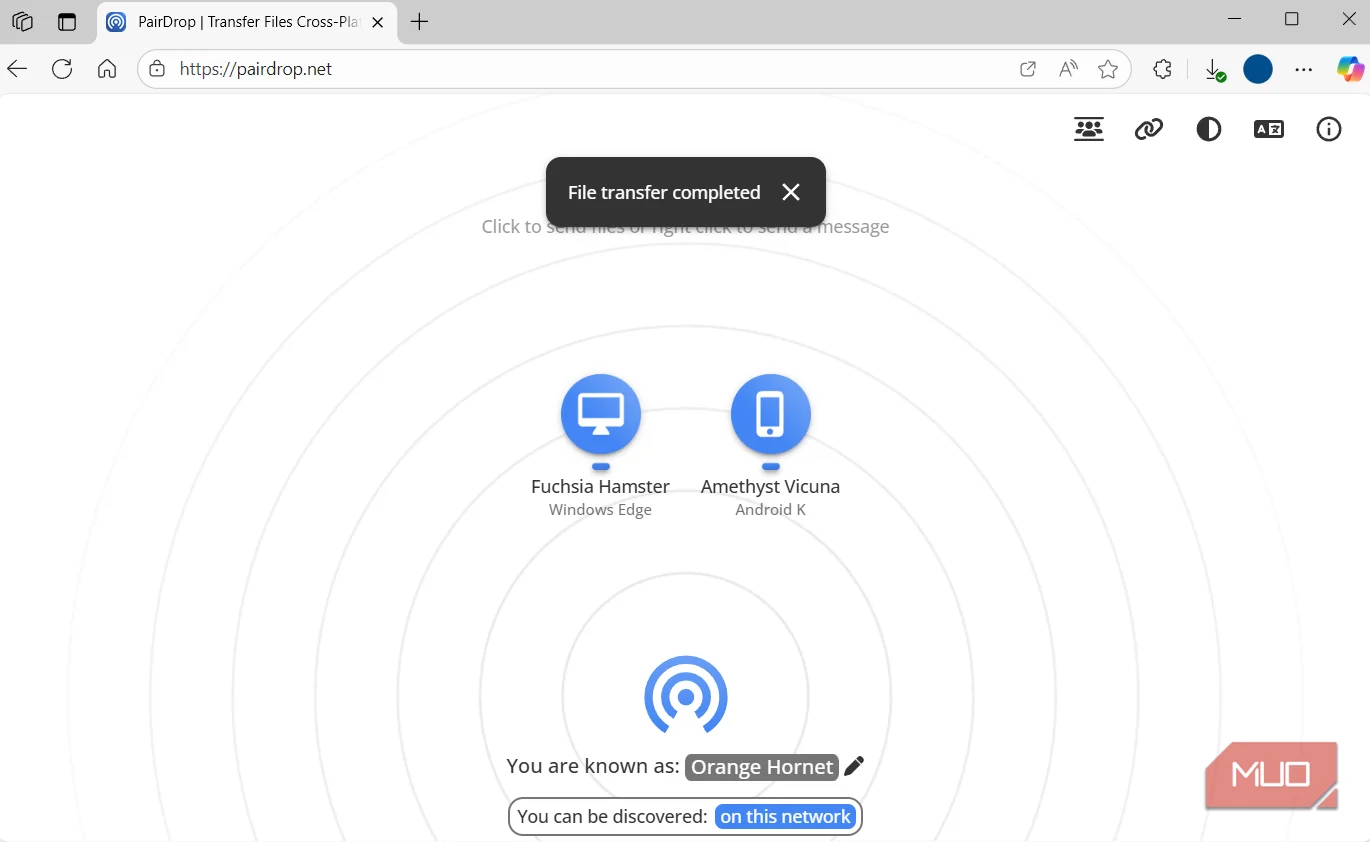
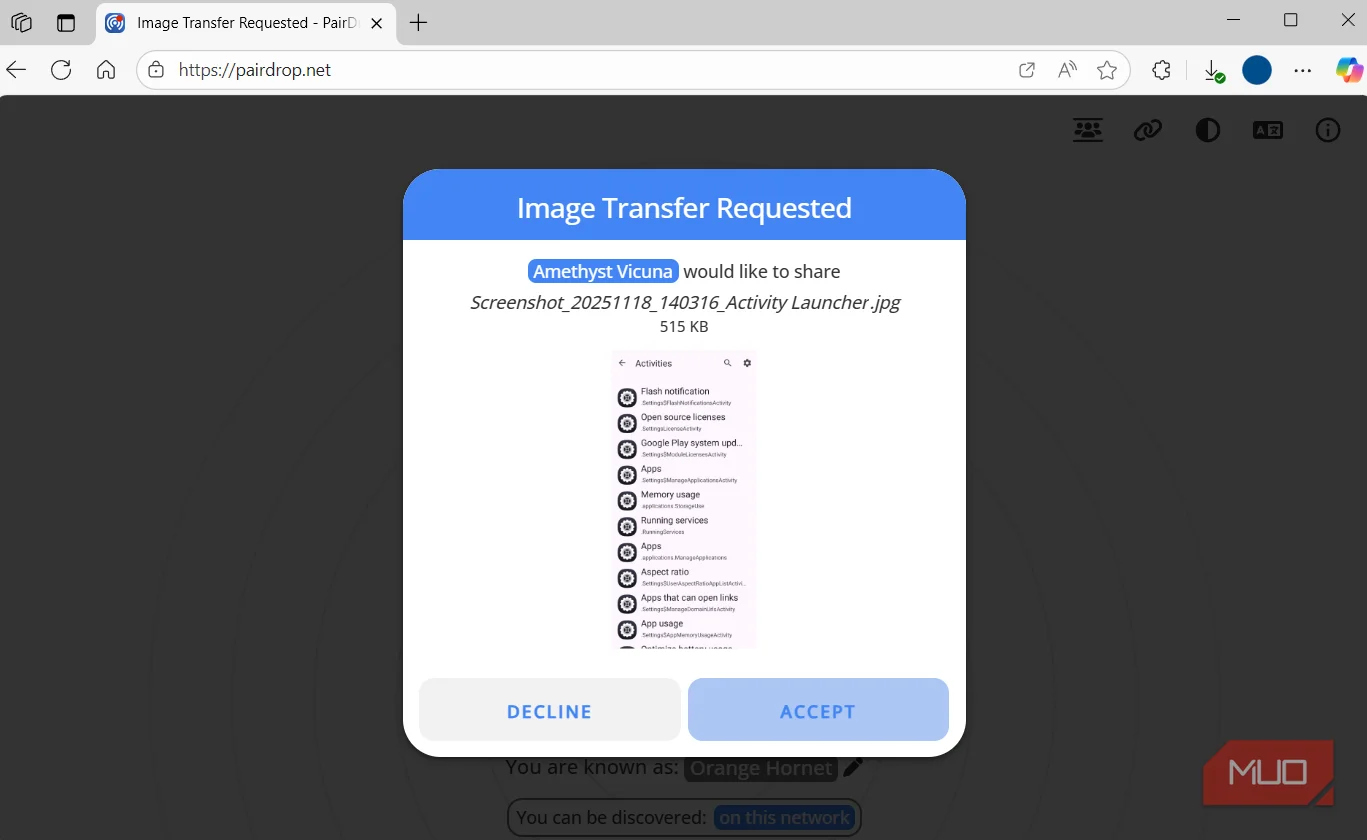
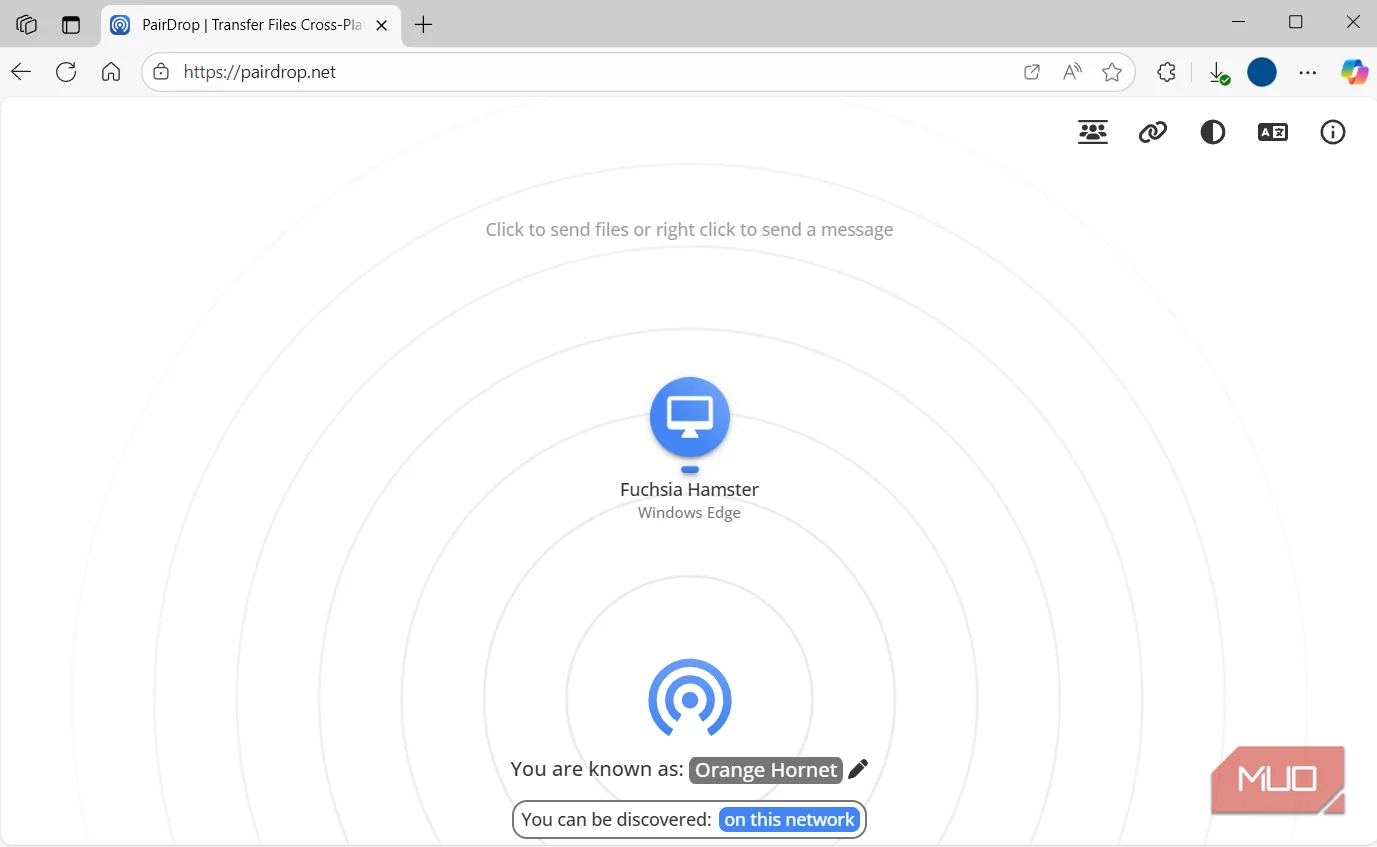
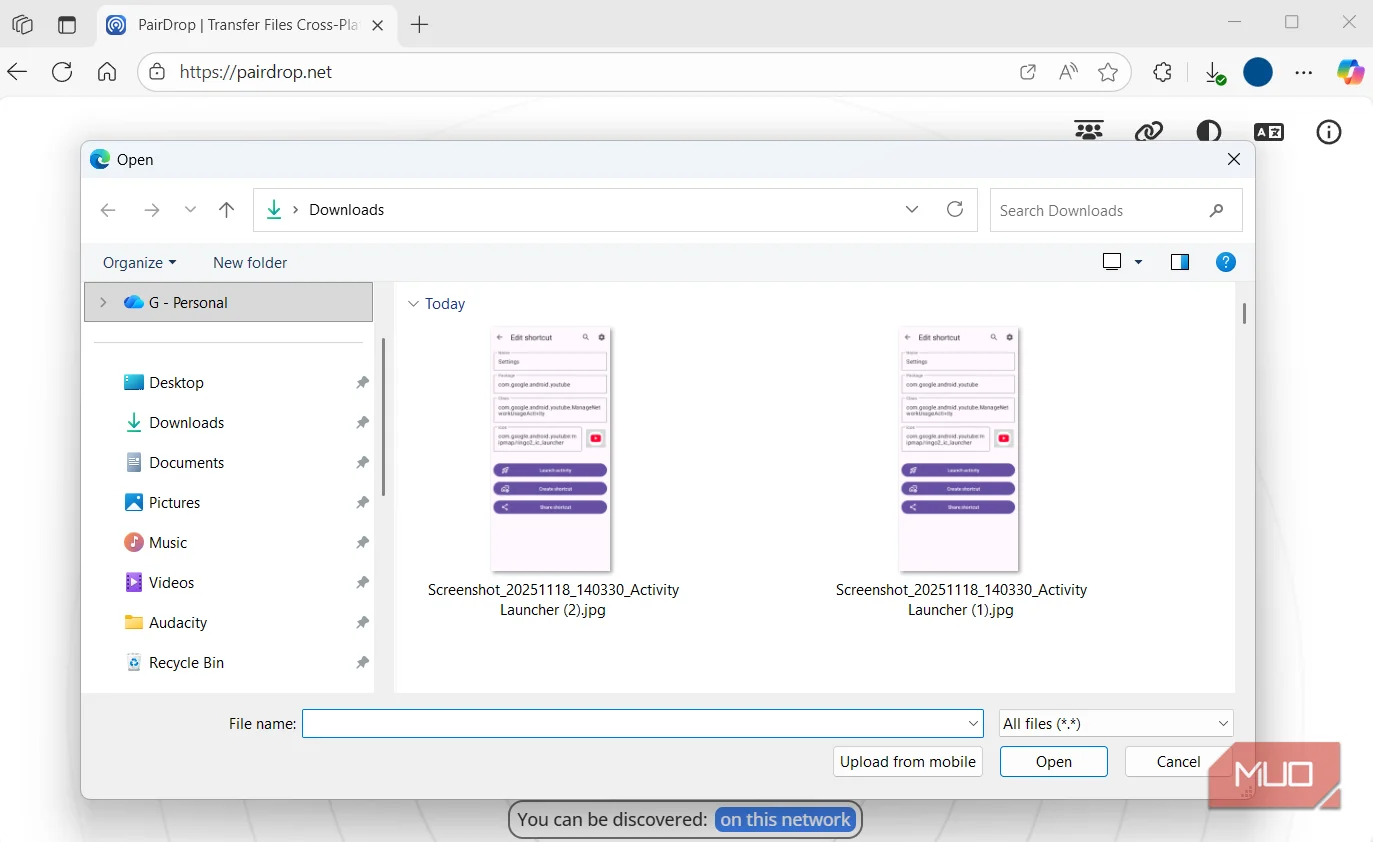
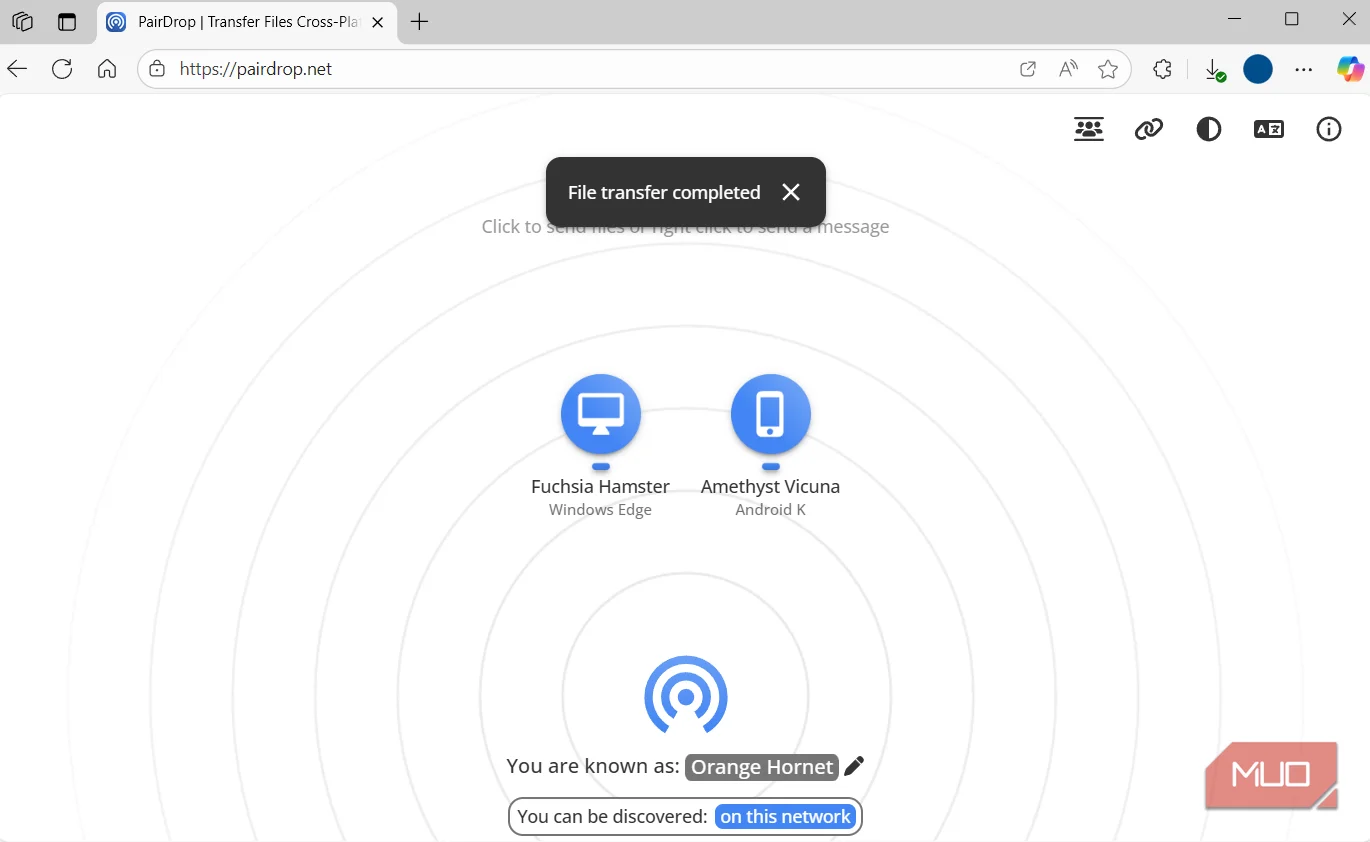
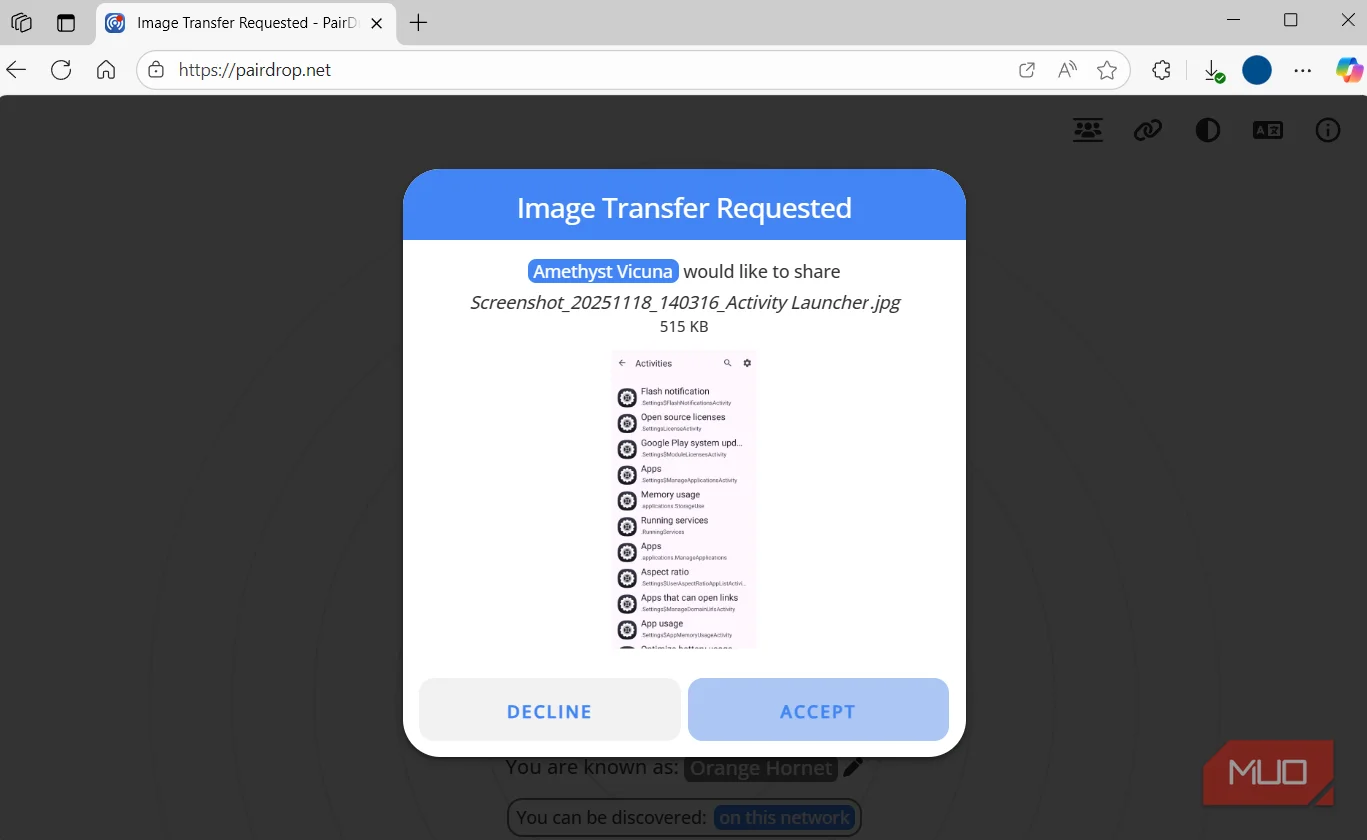
Both LocalSend and Blip are great at what they do. You can share photos, videos, files, archives, and pretty much anything else across Android, iPhone, Windows, Mac, and even smart TVs. The big catch, though, is that you need the app installed on both the sending and the receiving devices. And that’s a real problem, especially when you want to share files with someone else.
For instance, if you want to share a one-off video with a friend or send an APK file to your TV, installing an app can feel like a bit too much. But without that, you can’t share anything.
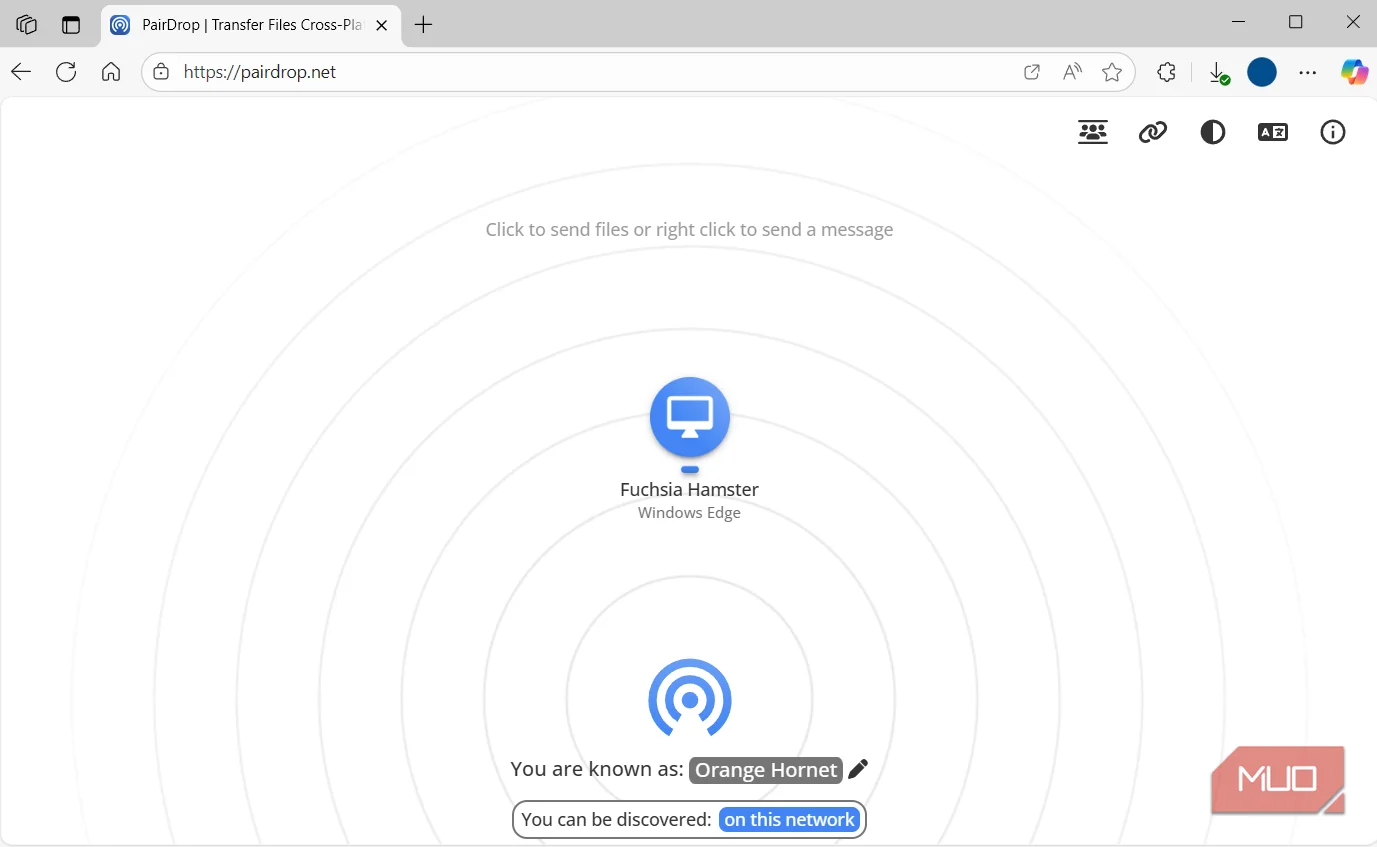
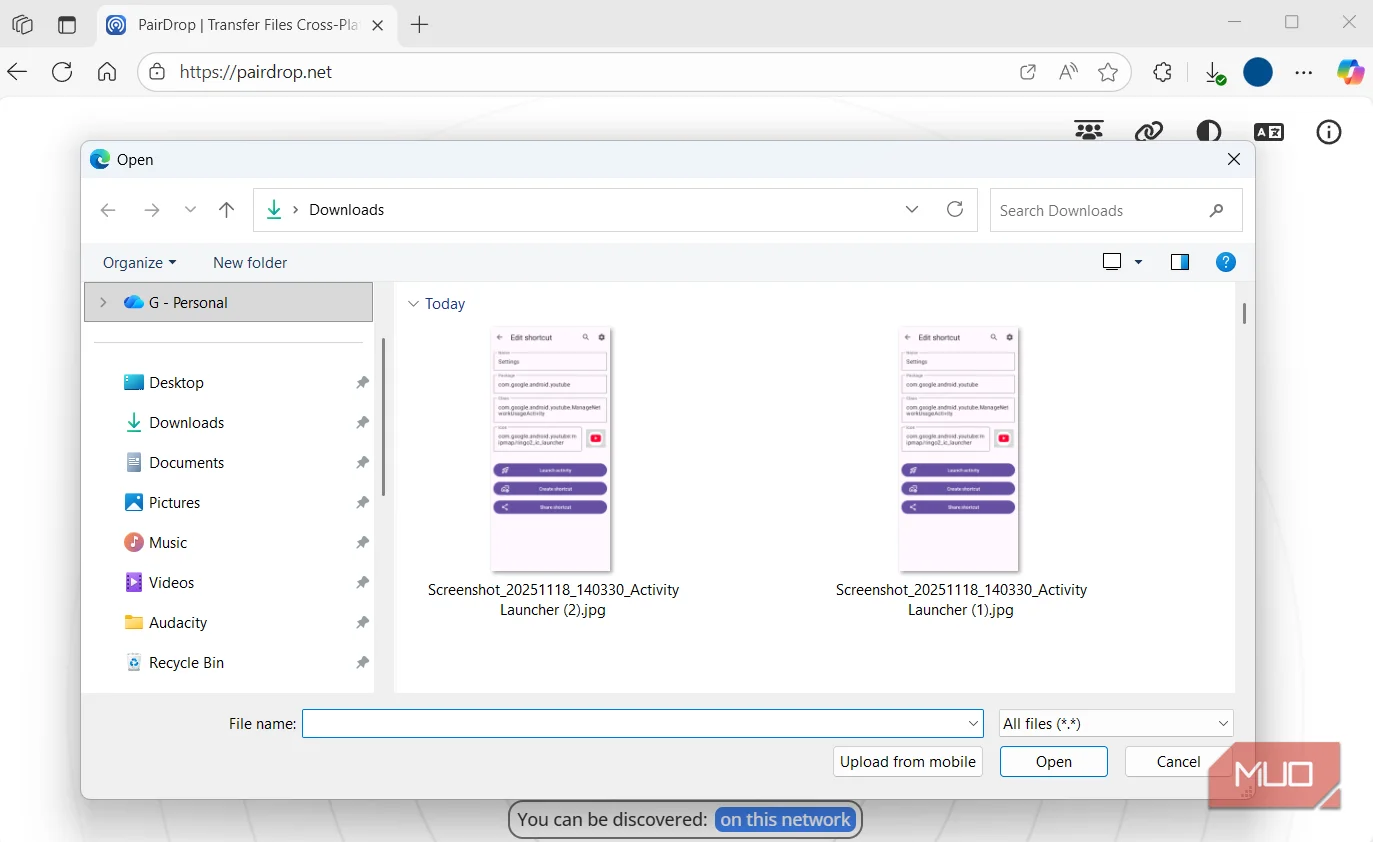
PairDrop doesn’t have this particular problem because it works entirely through a browser. You can open whatever browser you’re using on your device, go to PairDrop, and start sharing. As long as both devices are on the same network, they’ll detect each other automatically, and you can send files.
PairDrop uses WebRTC with end-to-end encryption and there’s no need to create an account. And yes, you can share multiple files with a bunch of devices at once. The only catch here is that, when you share multiple files, PairDrop tends to bundle them into a ZIP file, which can be slightly annoying since it adds an extra extraction step.
I still use LocalSend occasionally while sharing stuff between my own devices because it’s slightly faster and integrates directly with the share menu on my devices. But when it comes to those one-off transfers or sharing stuff with someone else, PairDrop wins because it doesn’t force you to install anything.
Save trusted devices, share files remotely, or host PairDrop yourself
No Wi-Fi, no problem
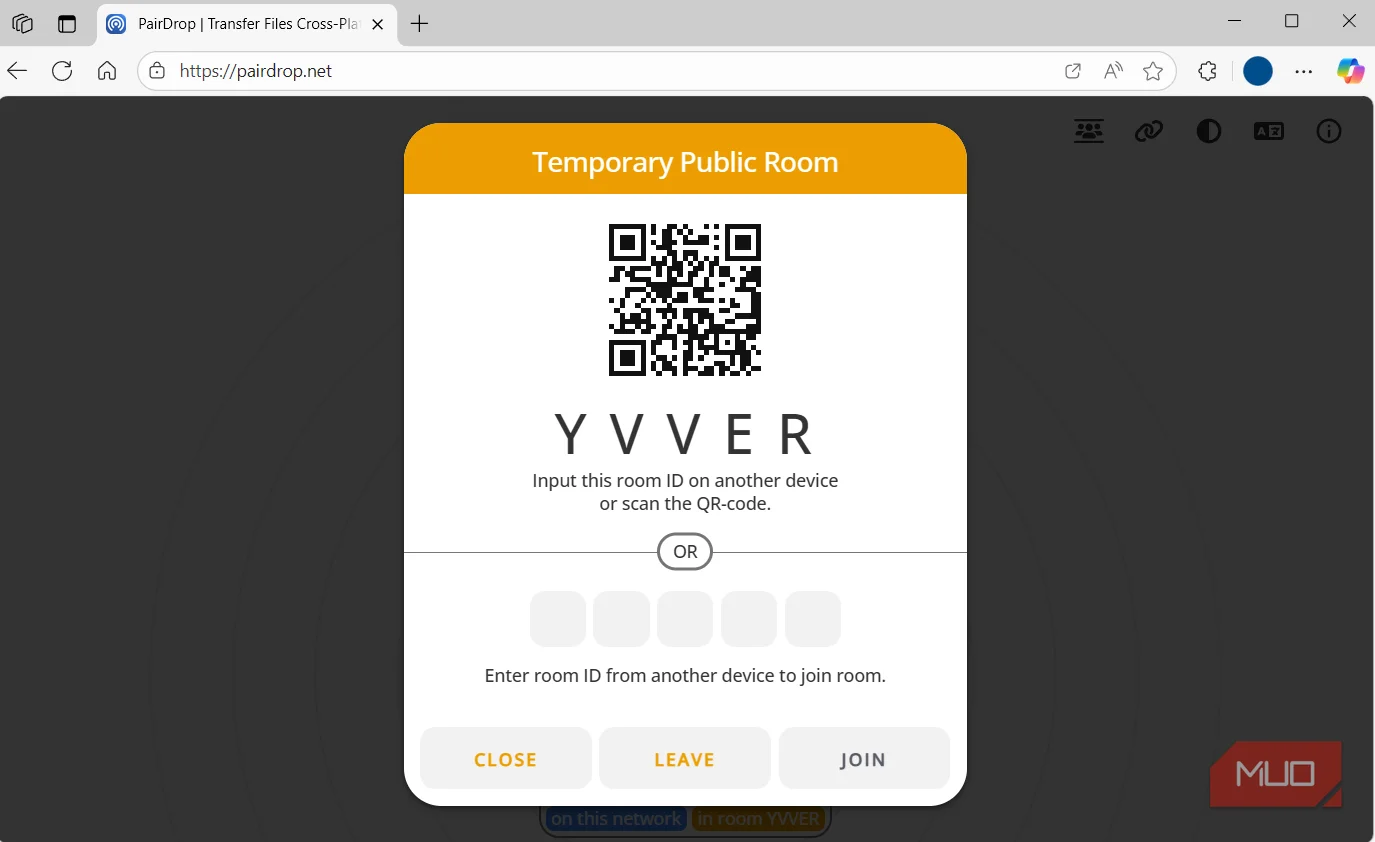
PairDrop works great over a local network, but if you’re away from Wi-Fi, you’re not out of luck. PairDrop can also share files over the internet. For this, you first need to pair both devices by clicking the link icon on PairDrop’s site, and then entering the six-digit code on another device or scanning the QR code. After that, PairDrop lets you share files between devices even when they’re not on the same network. Your phone could be on mobile data and your laptop on office Wi-Fi, and it’ll still work.
PairDrop also offers something called a Temporary Public Room, and this one’s handy if you need to share files with a bunch of people at once. All you have to do is create a room from one device, then share the QR code or the five-digit pairing code with everyone who needs it. Others can join the room using that code, and from there, you can start sharing files with everyone at once. The moment you close the PairDrop tab, the room automatically disappears.
Another thing that makes PairDrop so trustworthy is that you can even self-host it. And yes, it's straightforward. If you already have a home server or a Raspberry Pi lying around, you can get the same experience on your own infrastructure.
It’s fast, free, and open-source
No compromise
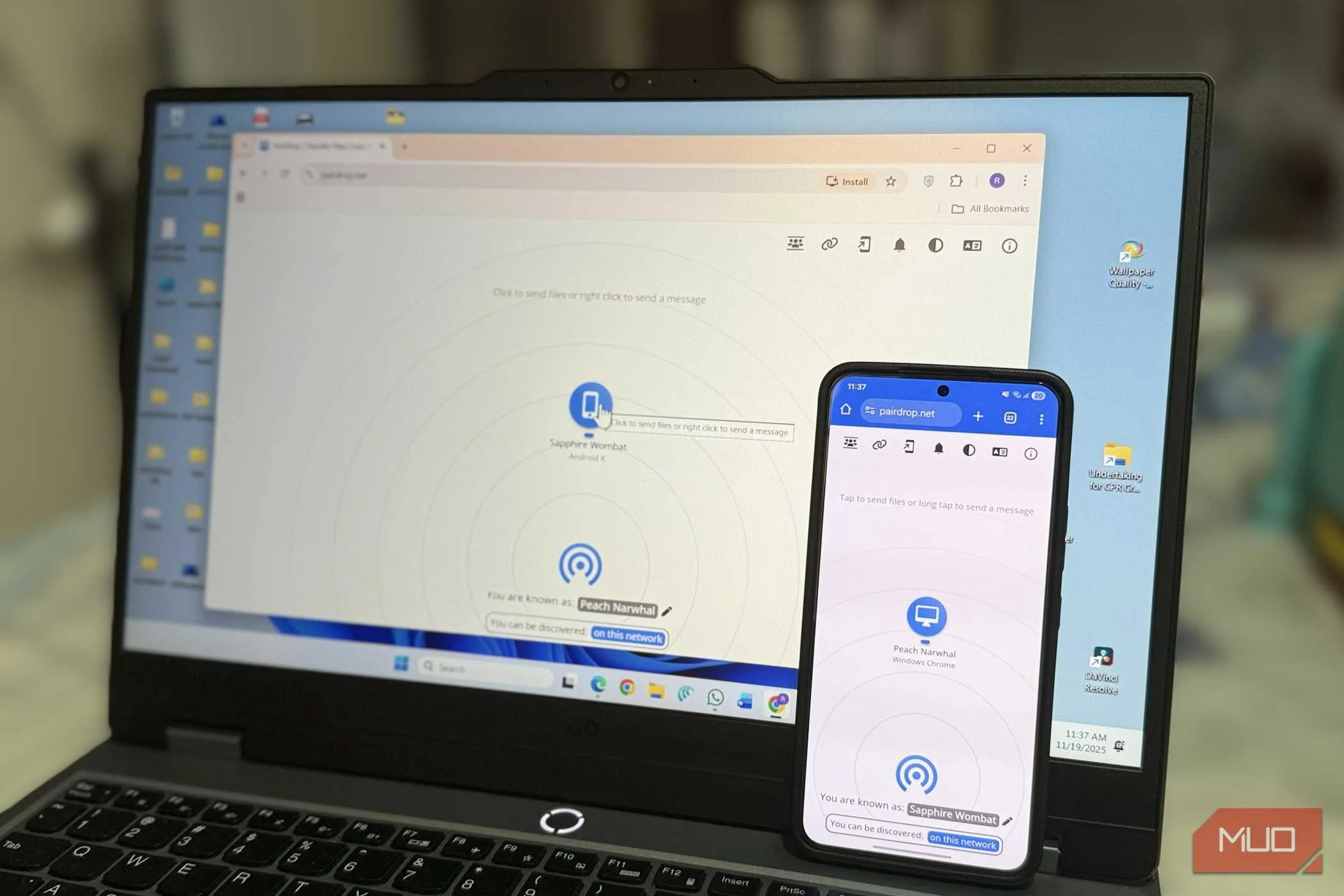
What really sold me on PairDrop is that it doesn’t ask for much. It’s completely free, with no cap on file size and no throttling on transfer speed. As long as my network can handle it, PairDrop can handle it. It’s also open-source, so if you ever want to poke around the code or verify nothing shady is happening behind the scenes, that door’s always wide open.
Sure, LocalSend also offers these same advantages, but it can’t share files over the internet, which is a dealbreaker. Blip doesn’t have this limitation, so you can send files remotely with it too. But it does require you to create an account with an email ID first, which is a hurdle. It’s also not open-source like PairDrop.
That’s the whole pitch, really. LocalSend and Blip are both popular for a reason and I don’t think either of them is going anywhere. But if you just need the best file transfer tool from a convenience point of view, PairDrop wins without much of a fight, and that's what makes it so easy to recommend. It feels much closer to Quick Share and AirDrop than anything else in this space, and that’s about as good a compliment a file-sharing tool can get.