Like most built-in search functions, I've felt like Spotlight Search on macOS feels half-baked and cumbersome. So, for the longest time, I've relied on Raycast to enable universal search.
Lately, though, I've found that I don't fully utilize what Raycast offers, and it consumes more system resources than I want to give. Luckily, I came across a leaner Mac launcher built by a single open-source developer: Sol.
I've been using Sol for the past few weeks, and it has replaced Raycast for more needs than I thought it would.
Sol barely registers in Activity Monitor
I keep checking to see if it's still running
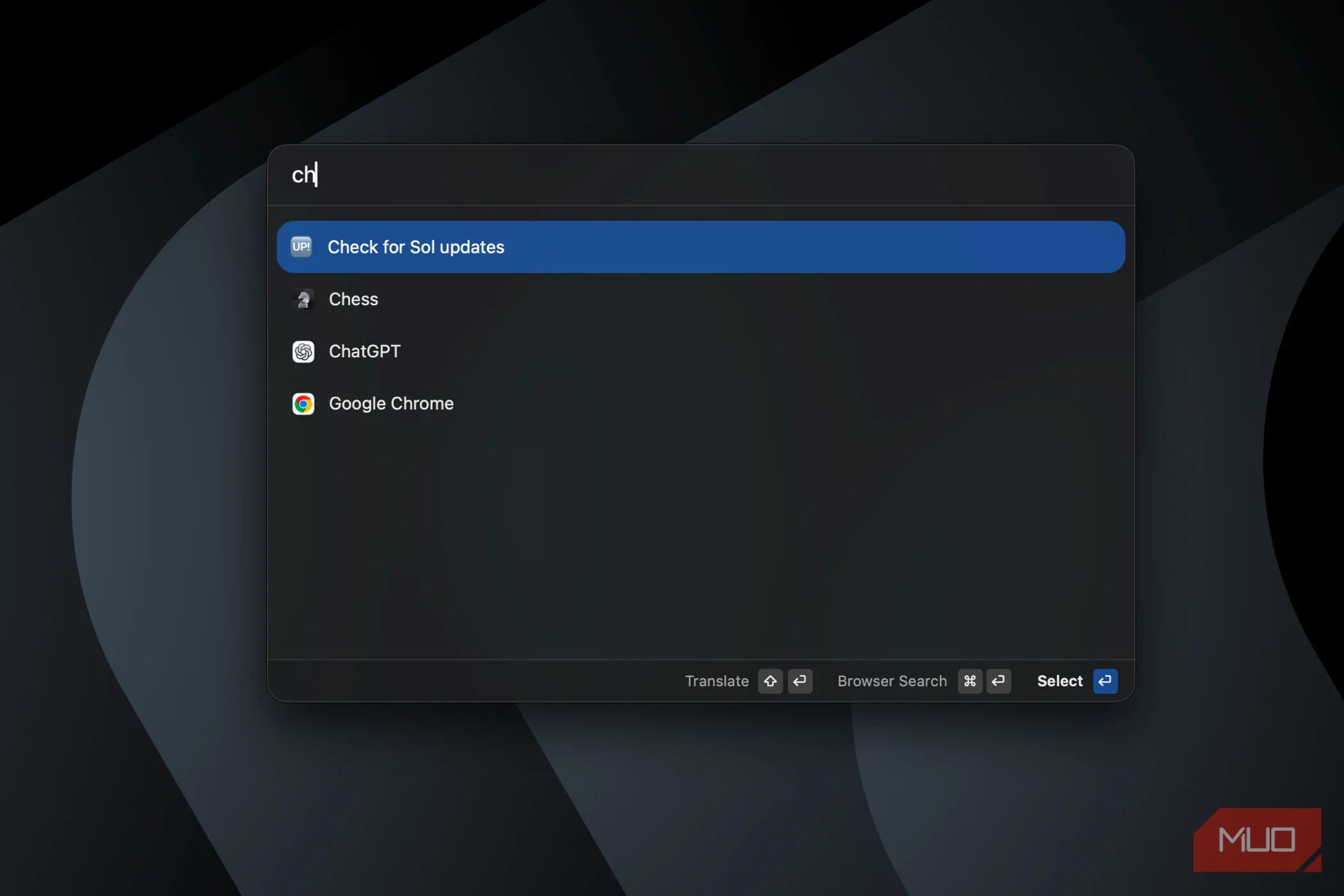
Sol is an open-source app launcher and command palette available for macOS. Unlike Raycast and other Spotlight Search alternatives, Sol prioritizes ease of use and speed, so you can open apps, settings, and other elements on your Mac at lightning-fast speeds. With Sol, you get a balance between necessary features, speed, and resource consumption.
Installing Sol on your Mac takes only a few seconds. And you don't need an account or go through a lengthy setup wizard. More importantly, unlike Raycast, which takes up several hundred MB of storage, Sol requires less than 40 MB. Furthermore, running Sol in the background doesn't put a dent in my CPU or RAM usage, making this app launcher a godsend for my MacBook Air with 8GB of unified memory.
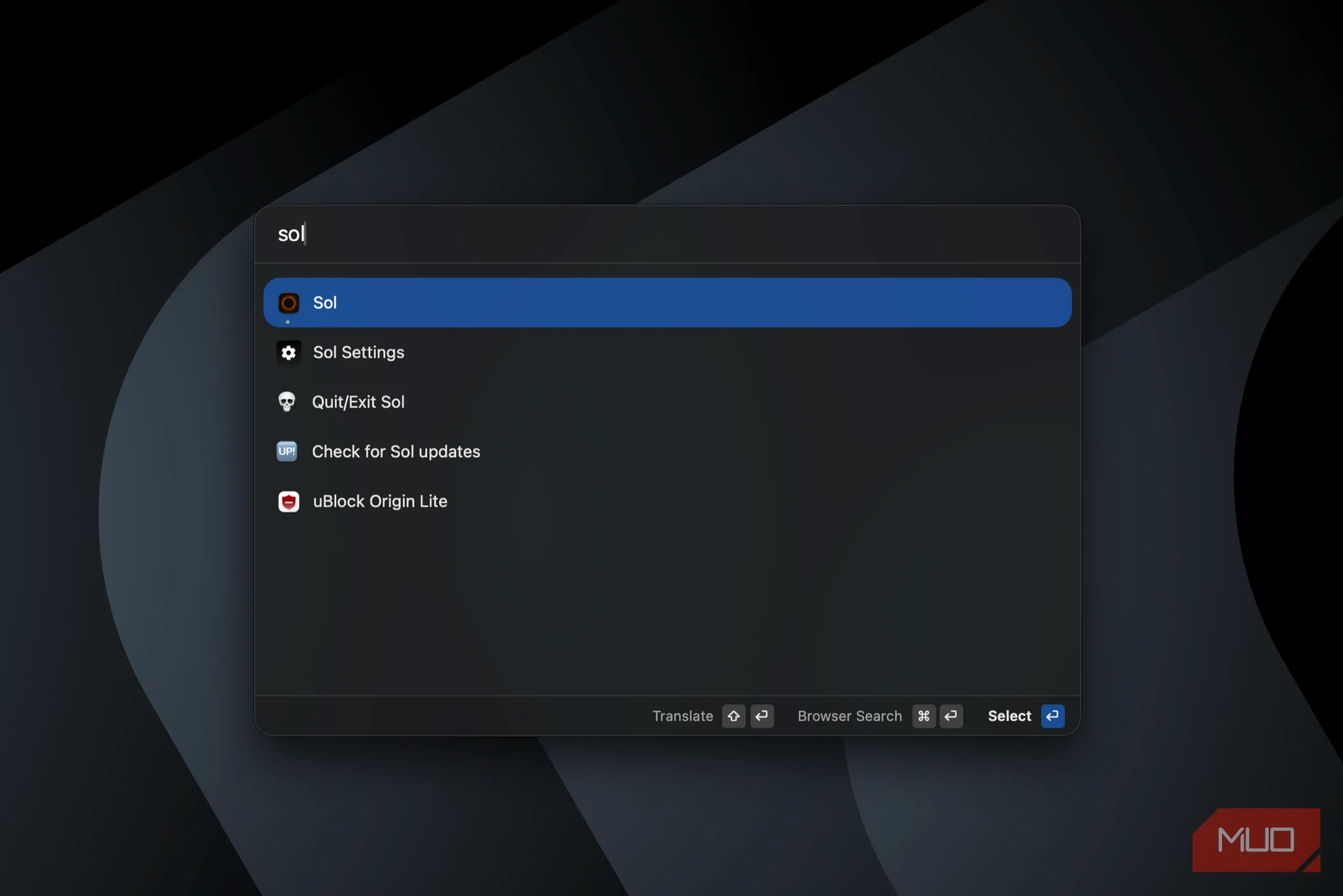
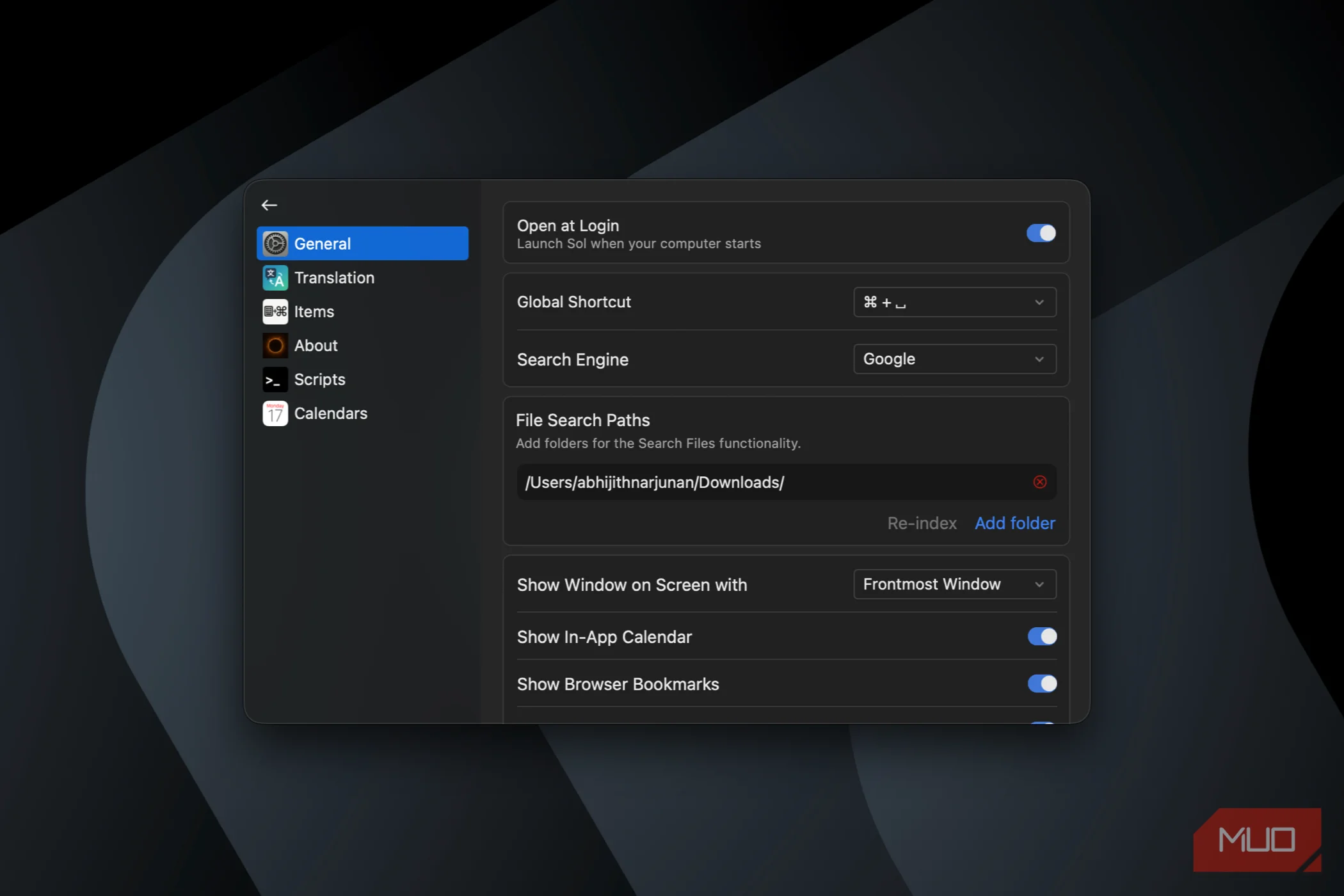
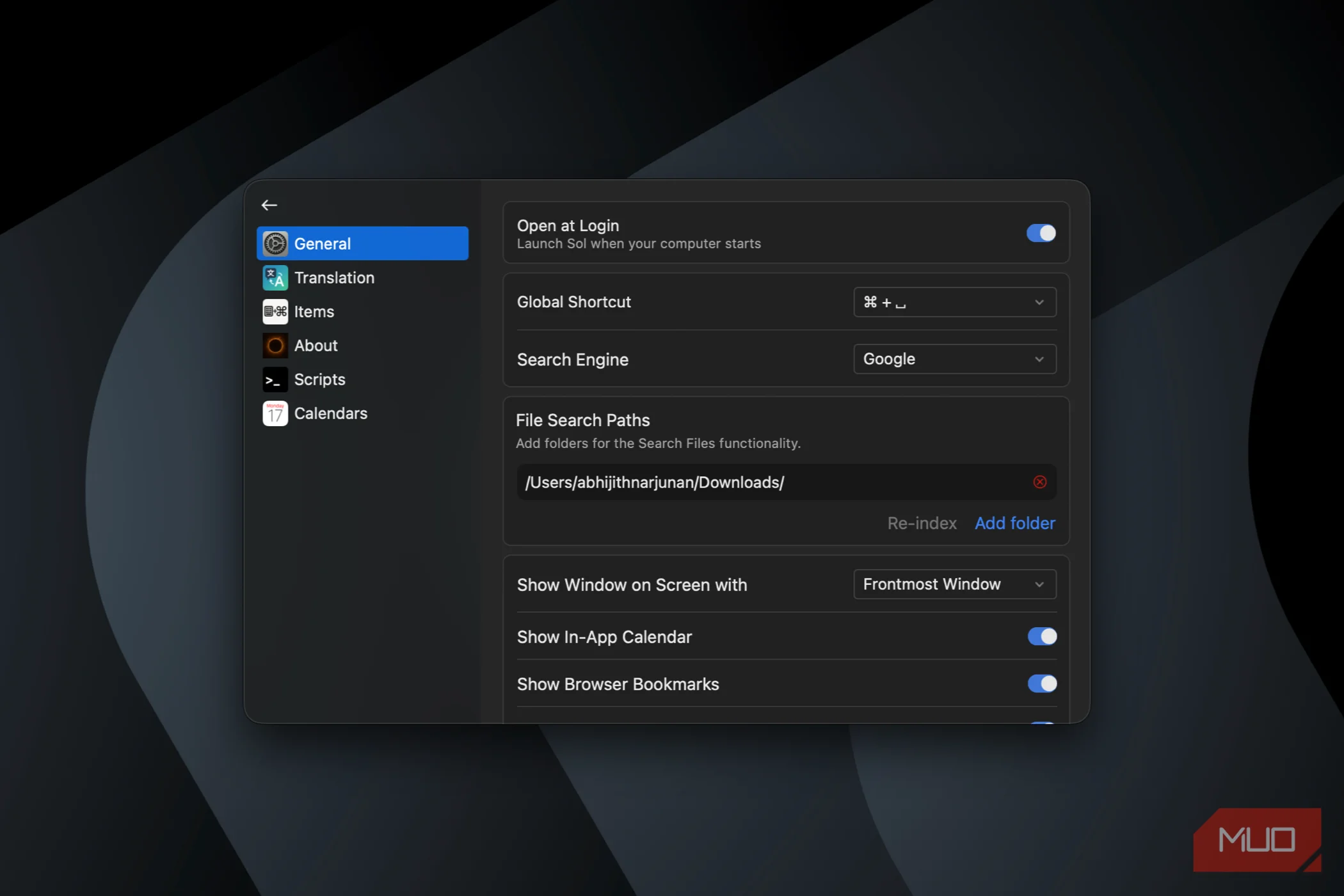
All these numbers aside, it feels effortless to launch and use Sol's search functionality. I've set it up to replace the default Spotlight shortcut (Command + Space), and it syncs well with my muscle memory. The Sol search interface takes me through installed apps, individual settings pages, and calendar entries on my Mac.
I haven't quite found this kind of simplicity in Raycast or other app launchers, primarily because most of them focus on stuffing AI features.
Search and window tiling cover most of my day
Math, time zones, and translation with a real job


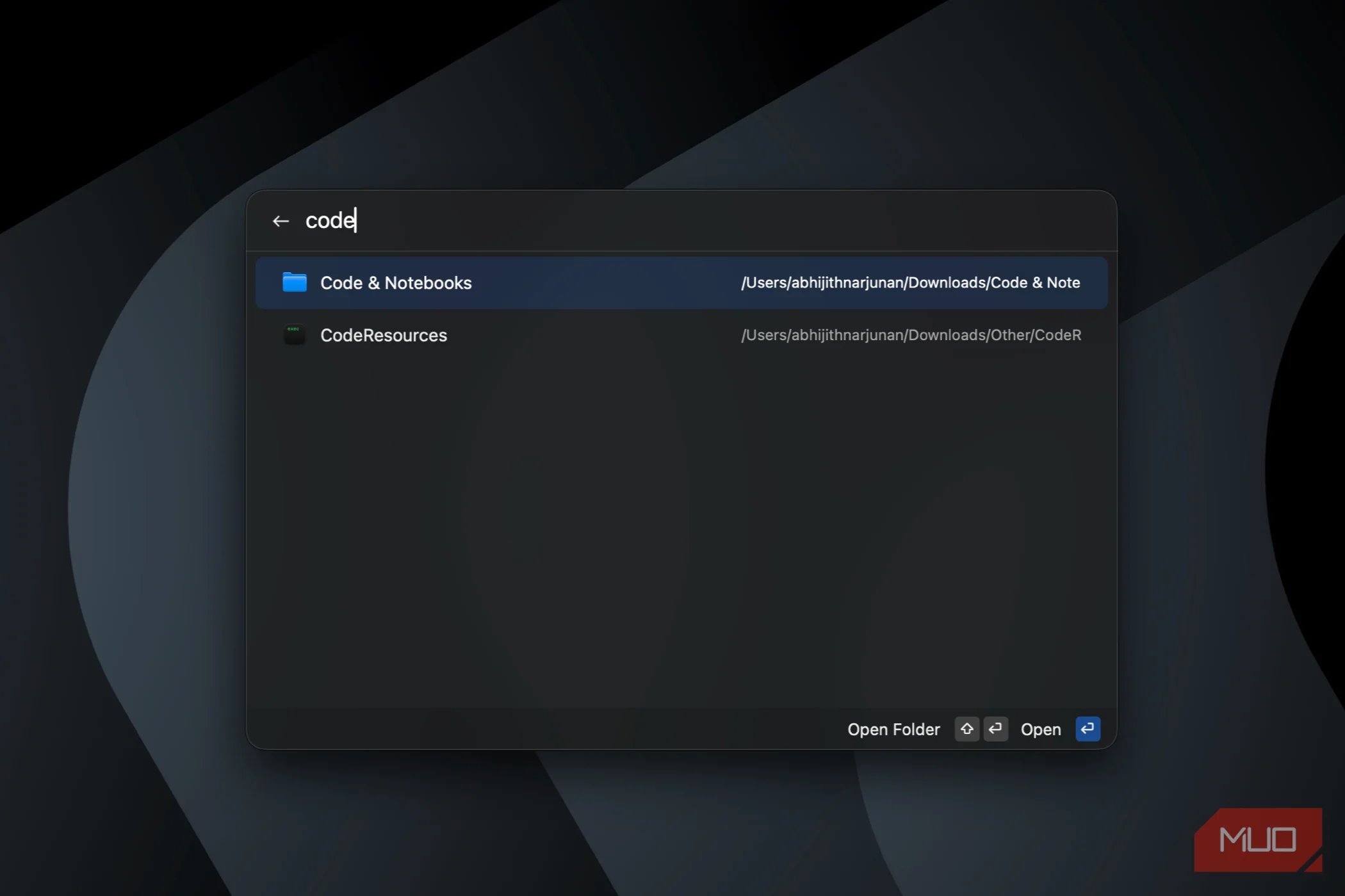
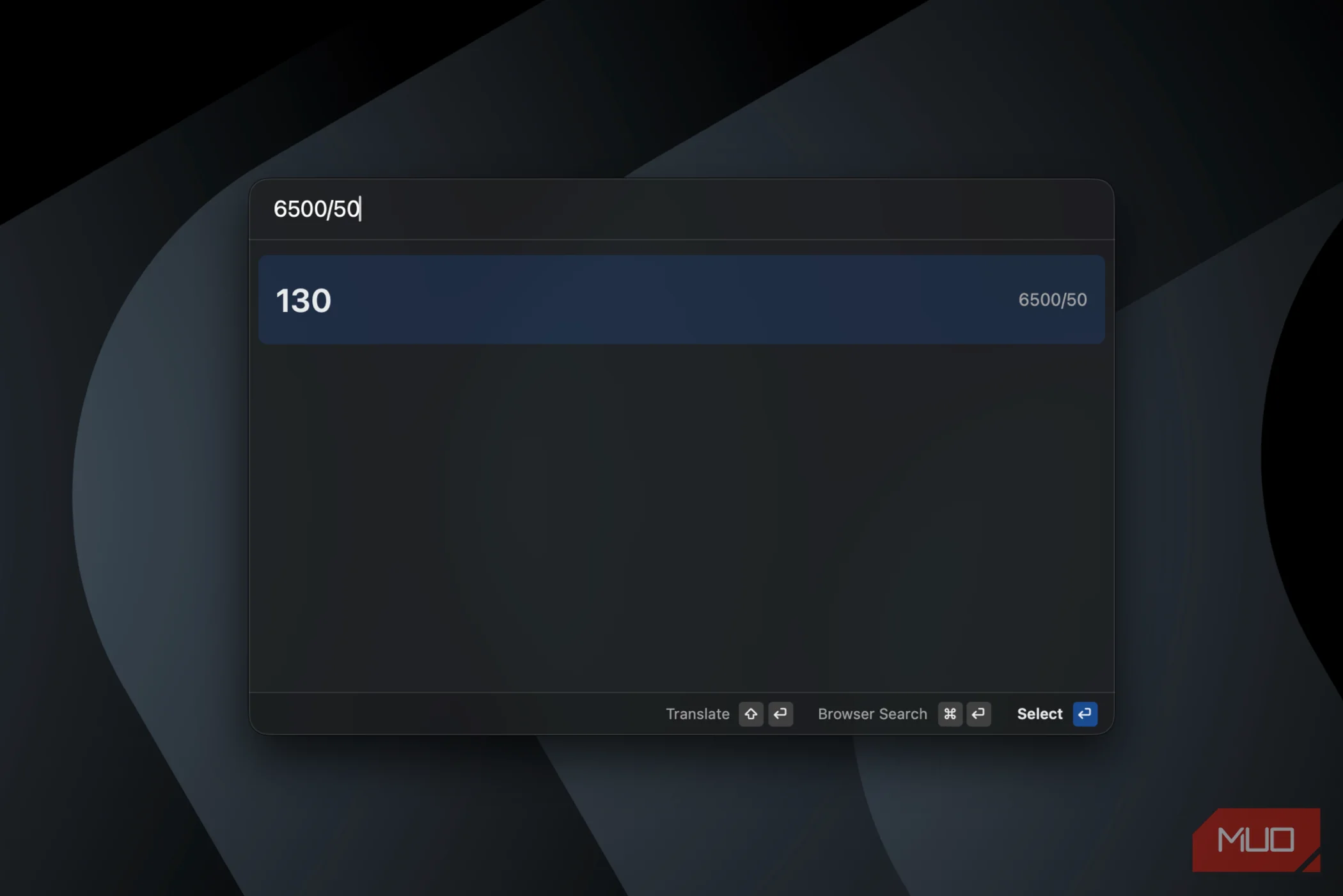
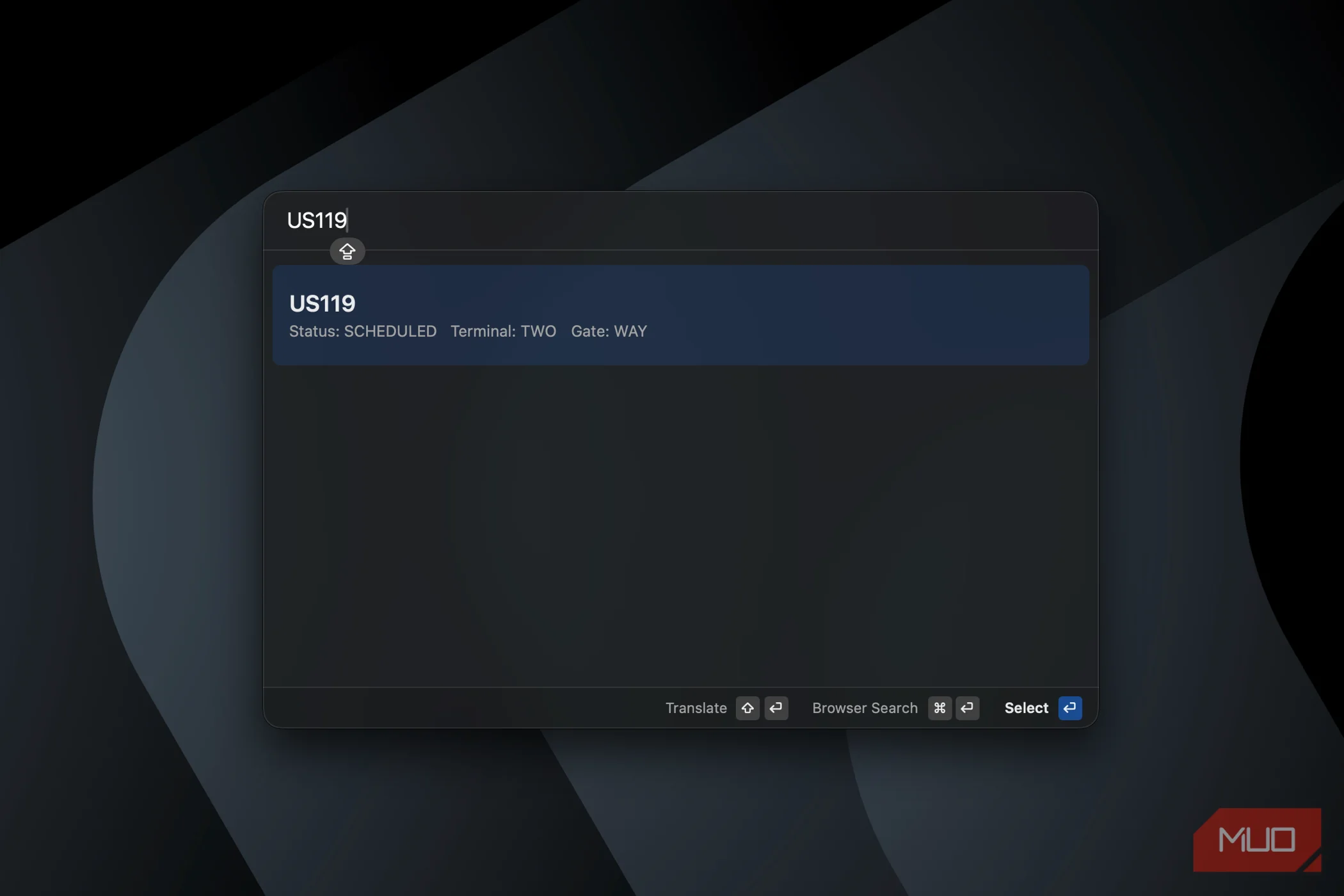
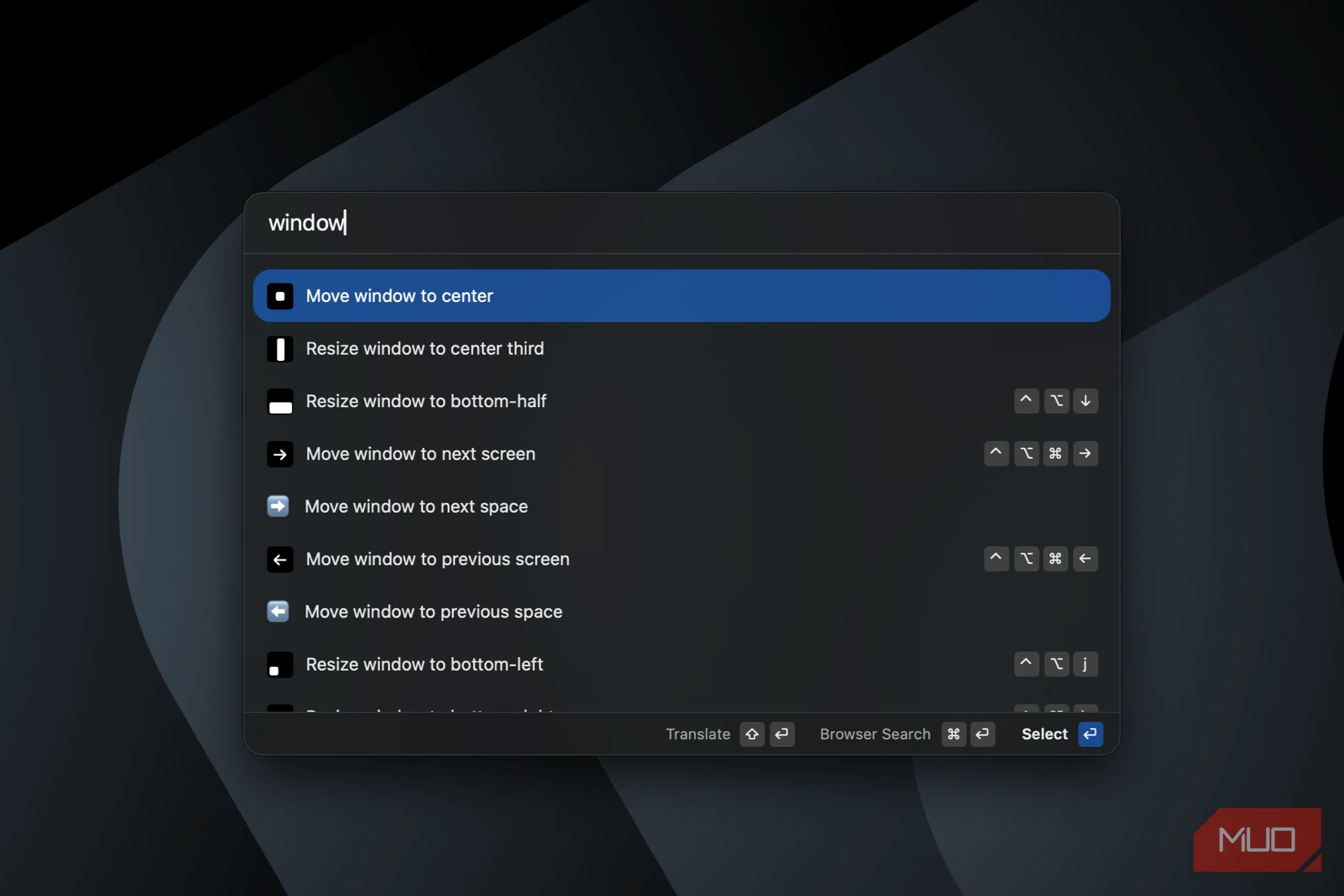
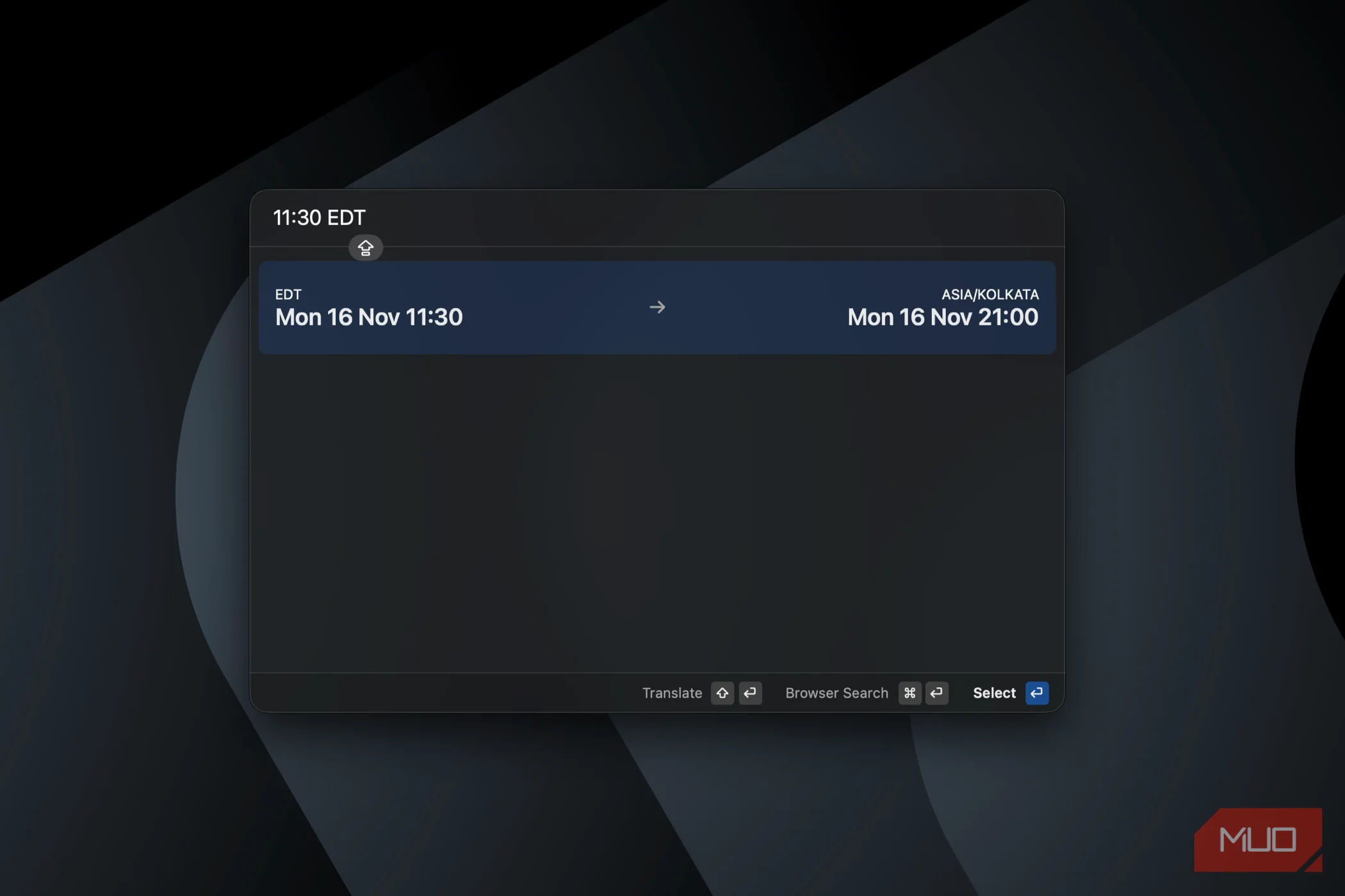
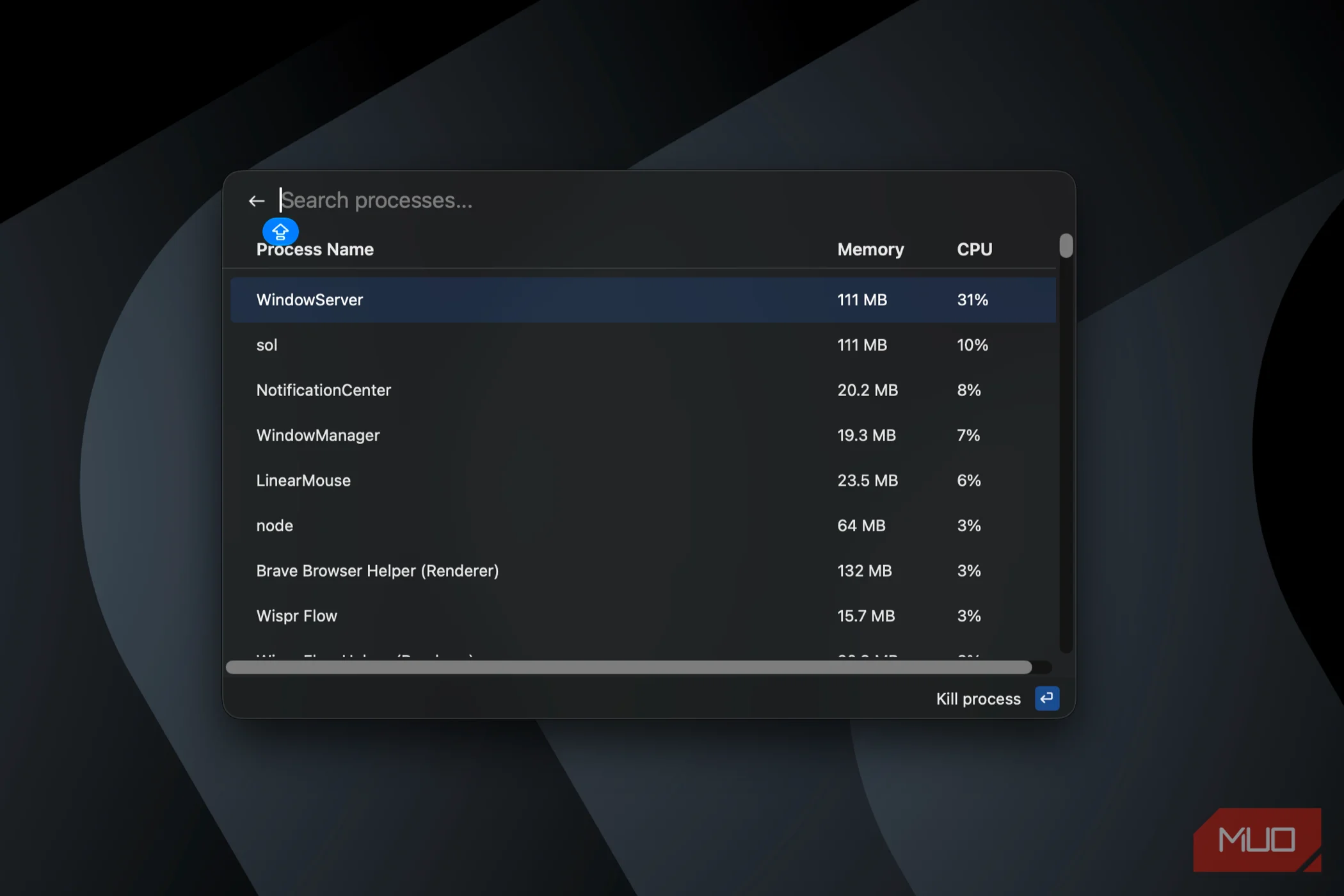
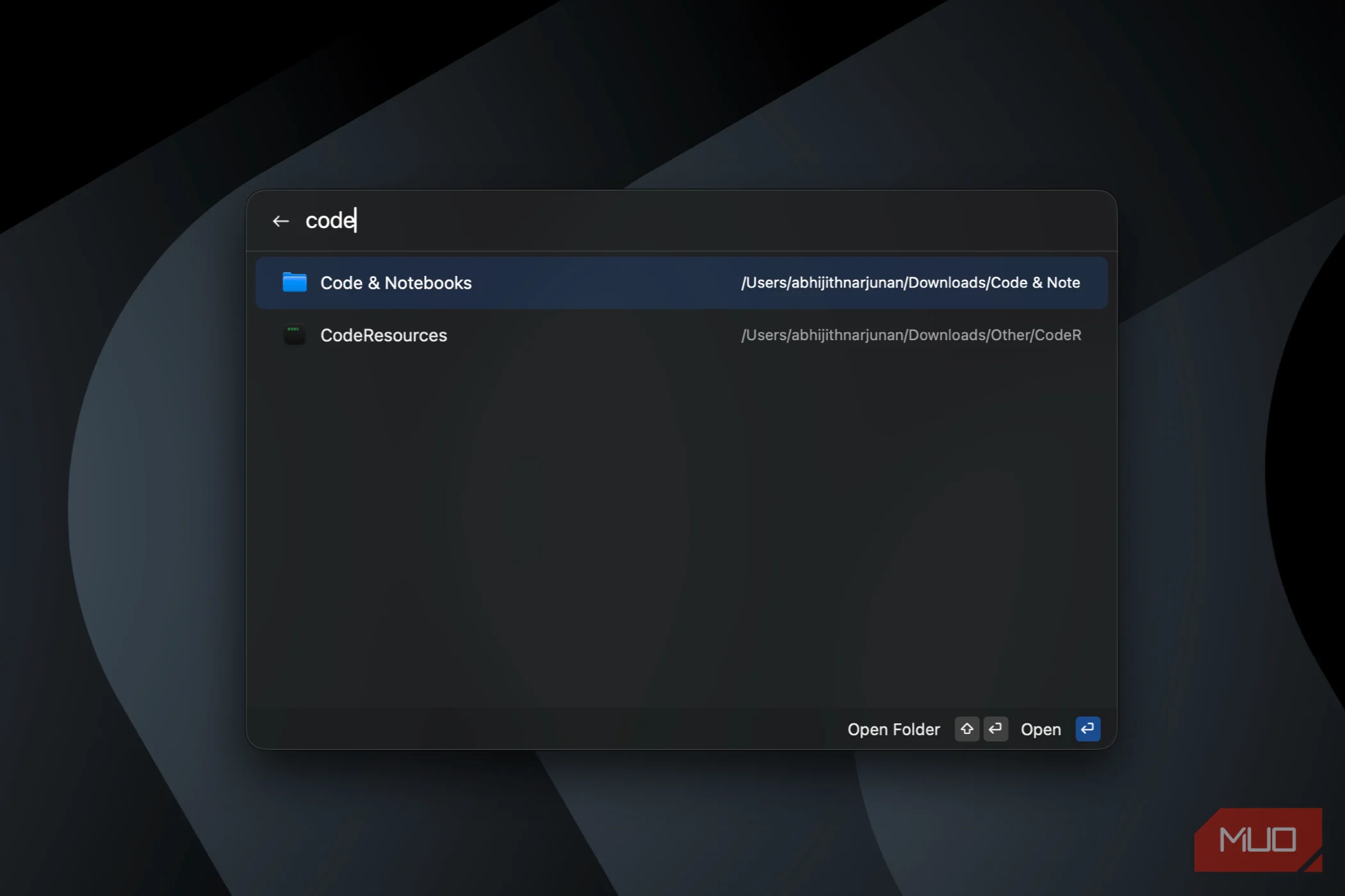
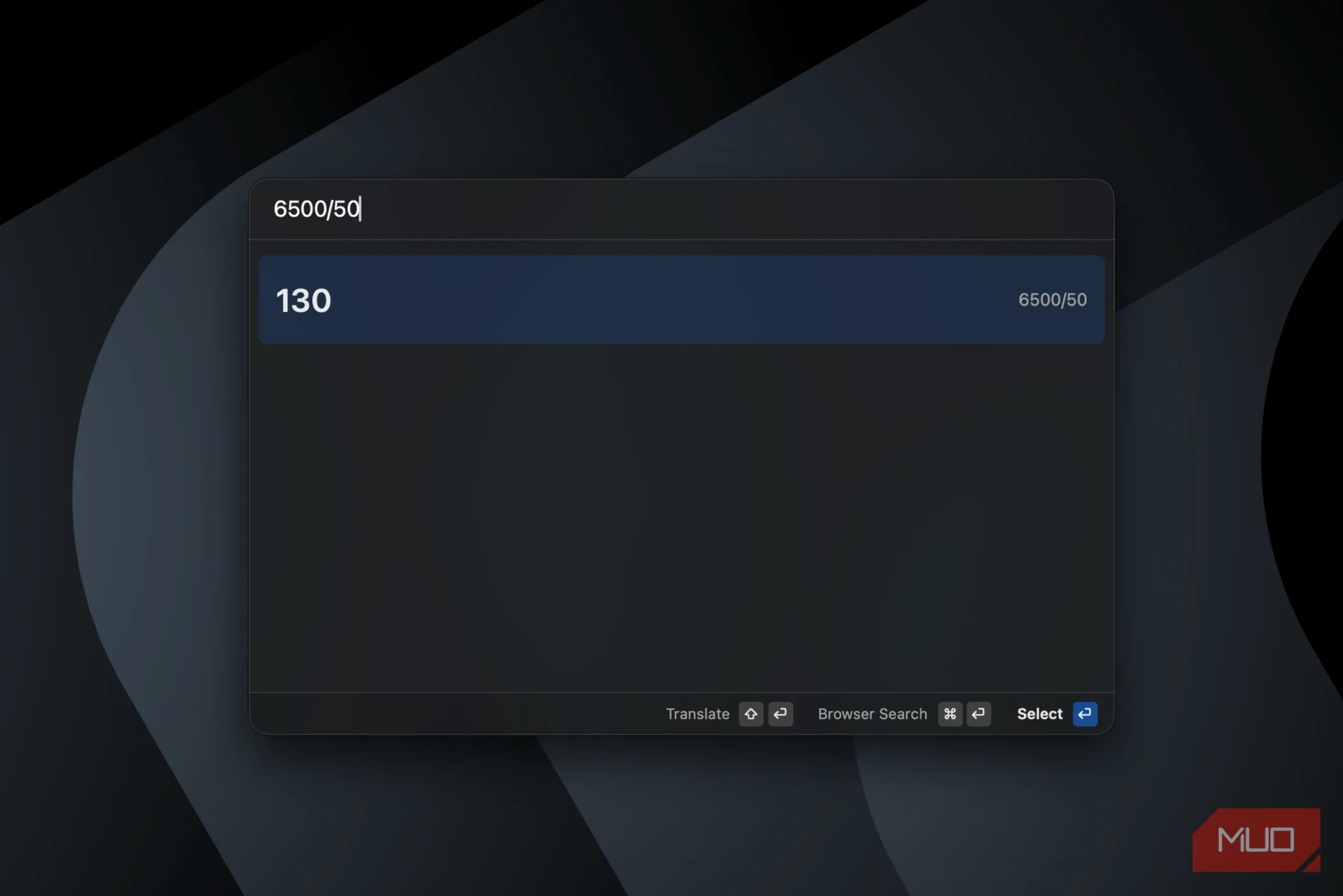
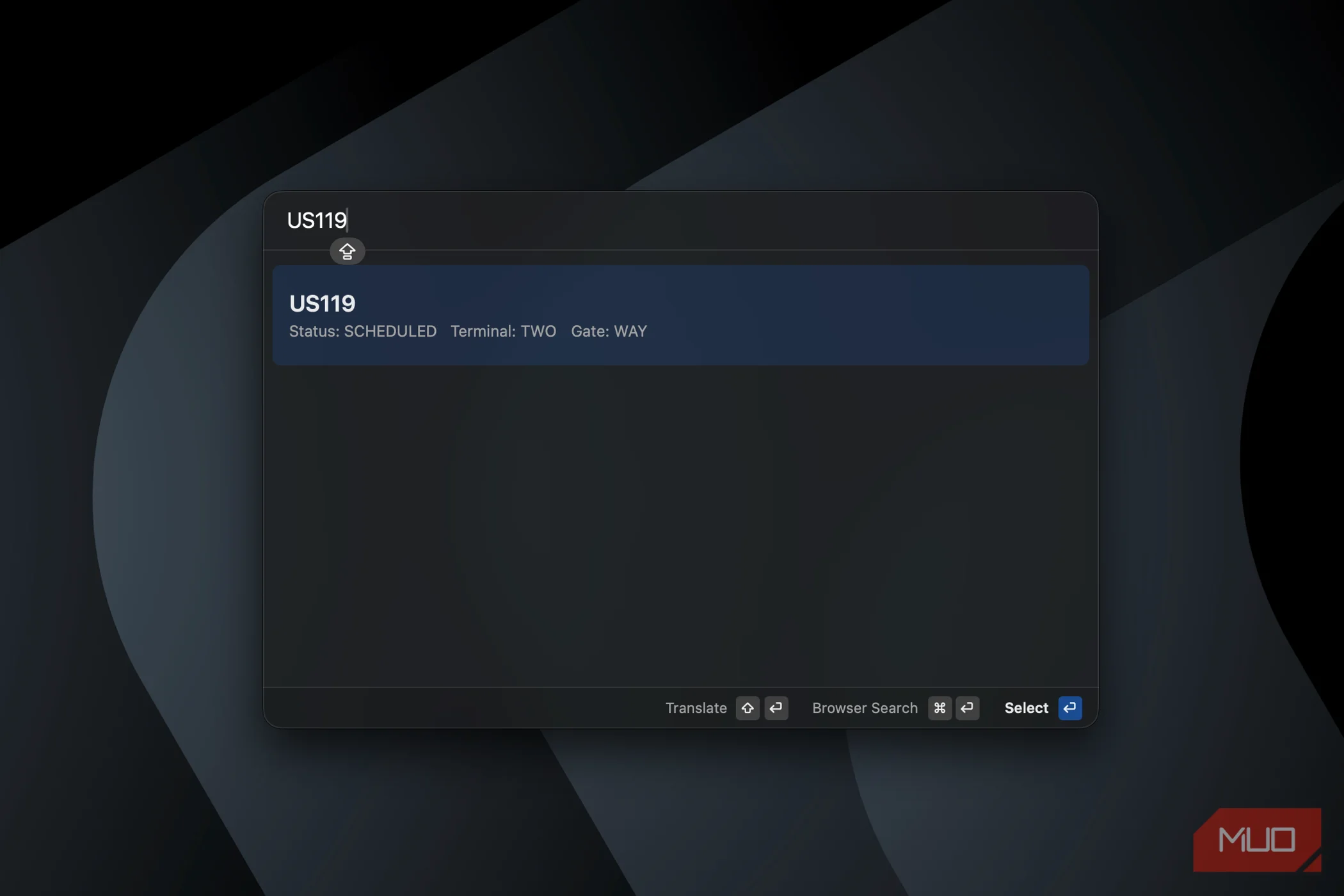
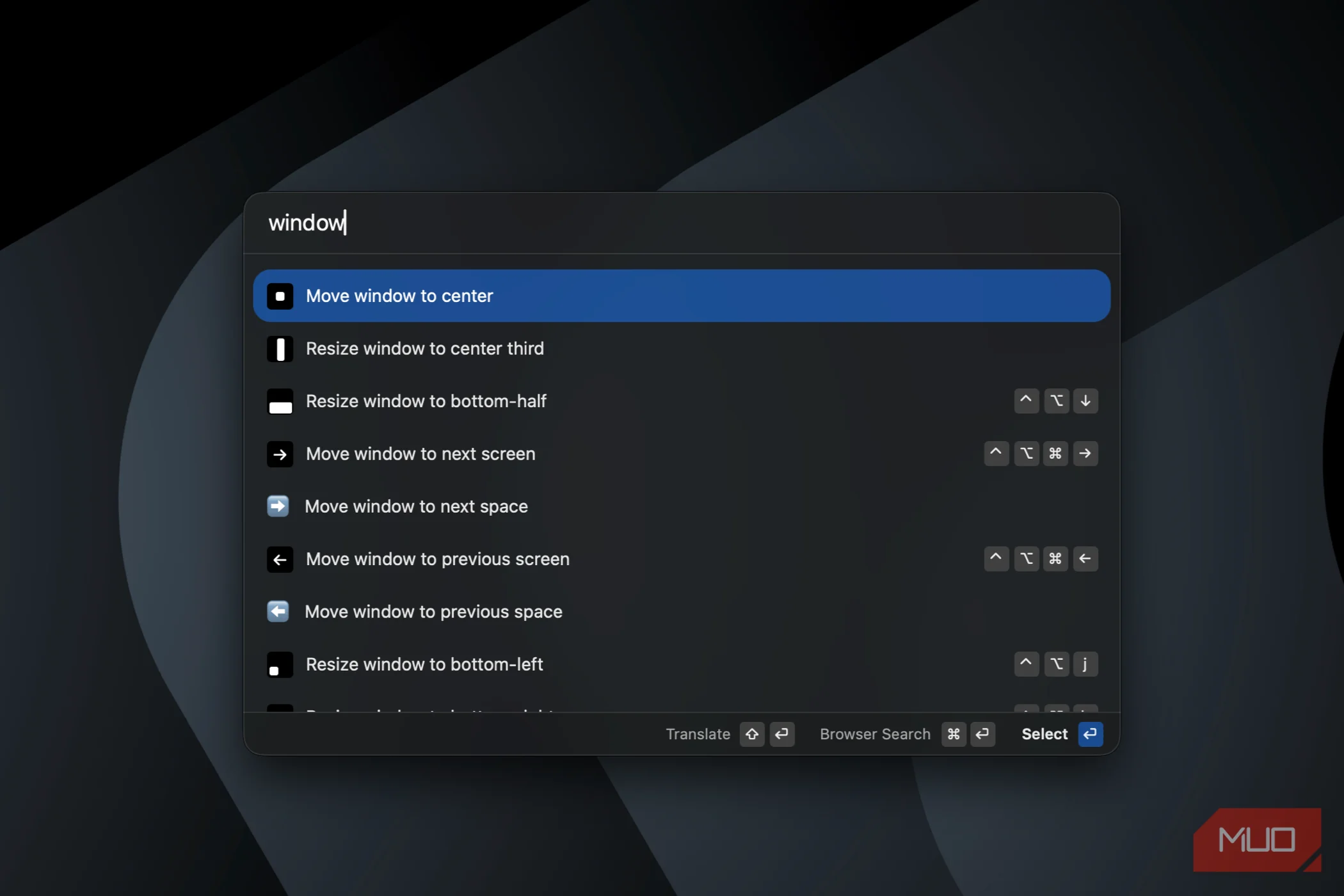
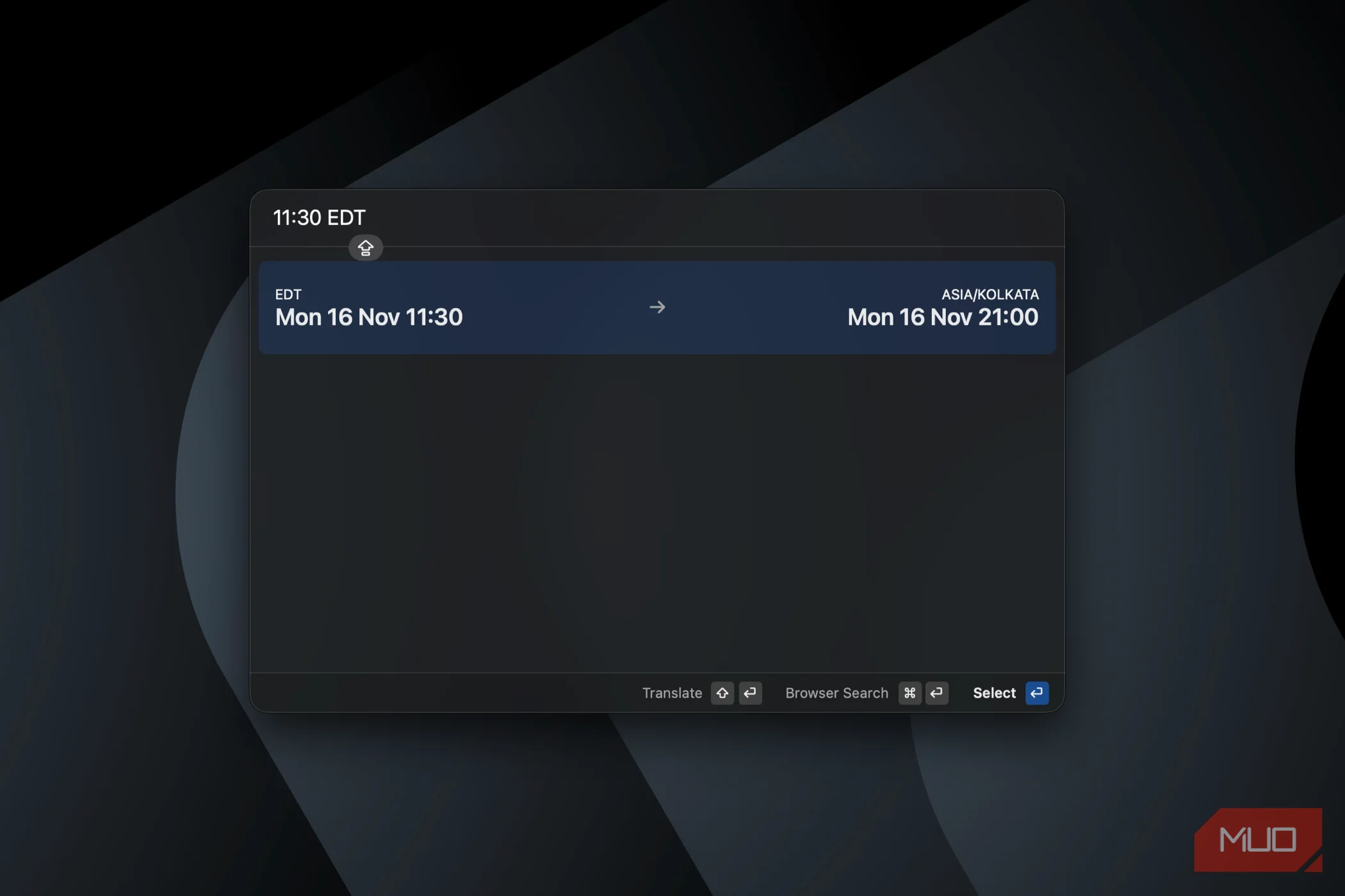
I get to embrace the simplicity of Sol mostly because of what I want. While I agree that Raycast packs a lot of great features, I wasn't really using most of them. With Sol, however, the list is minimal and contains features that I rely on every day. Some of these include in-line math, time zone conversions, file search, and window tiling options.
The file search function requires a bit of setup because you have to tell Sol to index the folders you want to search within. Once that's done, you can launch the file search option from the Sol command palette, and it shows results pretty quickly. It doesn't have any options for advanced control. You can, however, open the files that you want right away. Alternatively, the search panel serves as a shortcut to other search engines.
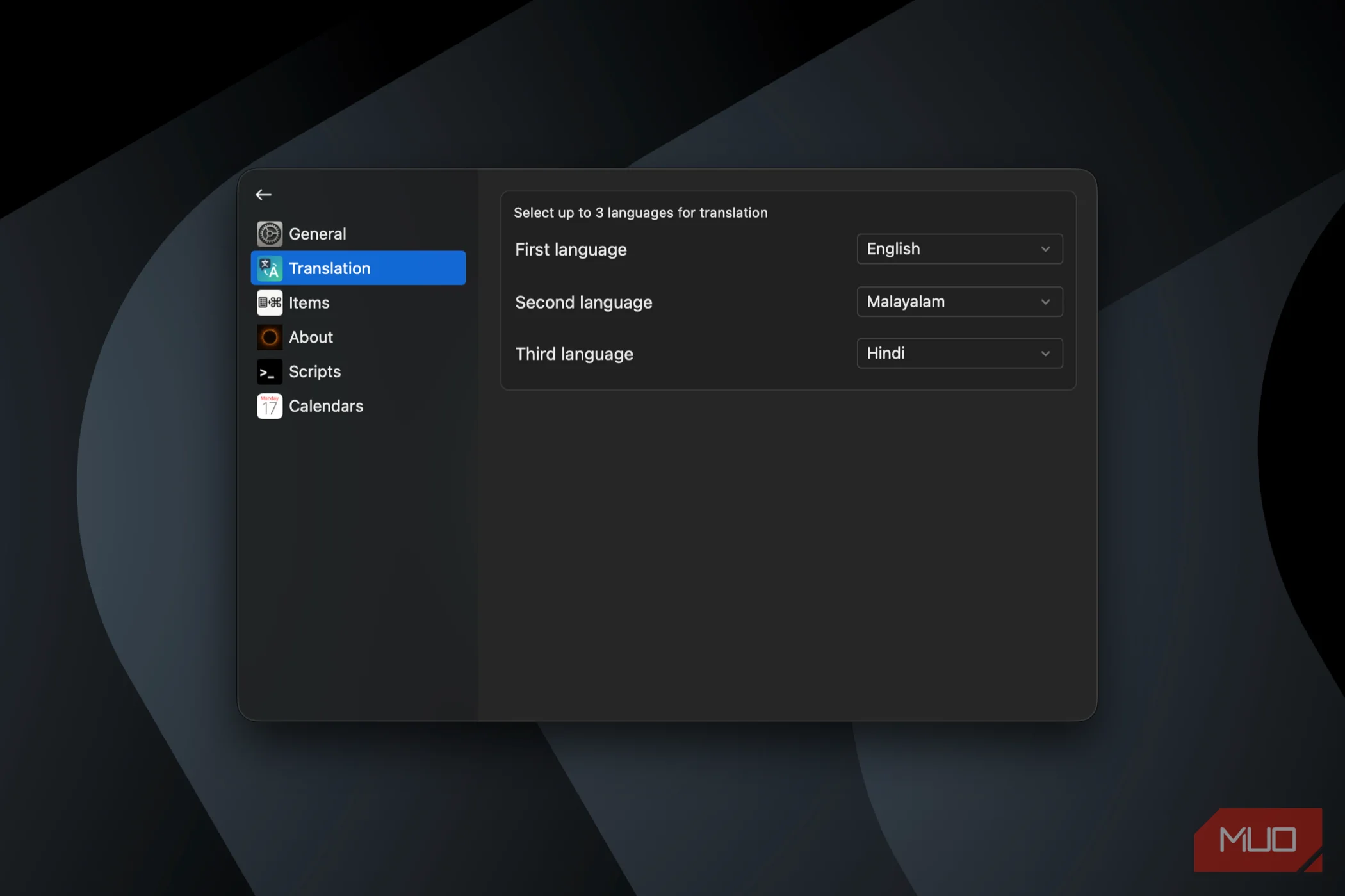
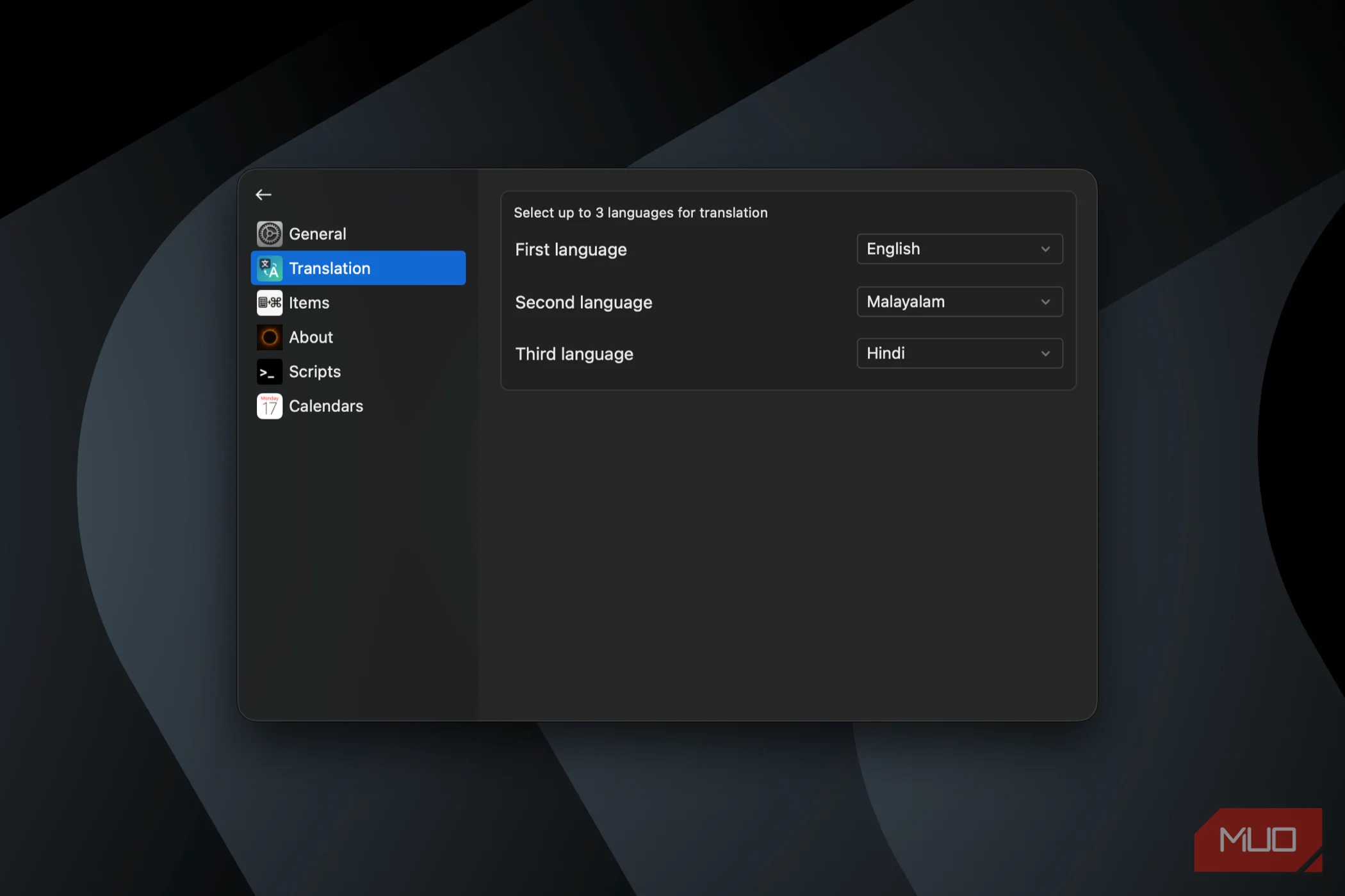
In-line calculations and time-zone conversions save more time than I thought. I can enter something like 3 PM EDT, and it shows me the corresponding time in my device's time zone. In-line calculations are quick, though I wish it supported simpler syntax (6x7 instead of 6*7). I've also been using the built-in translation function, which lets me see translations for a single word in up to three configured languages.
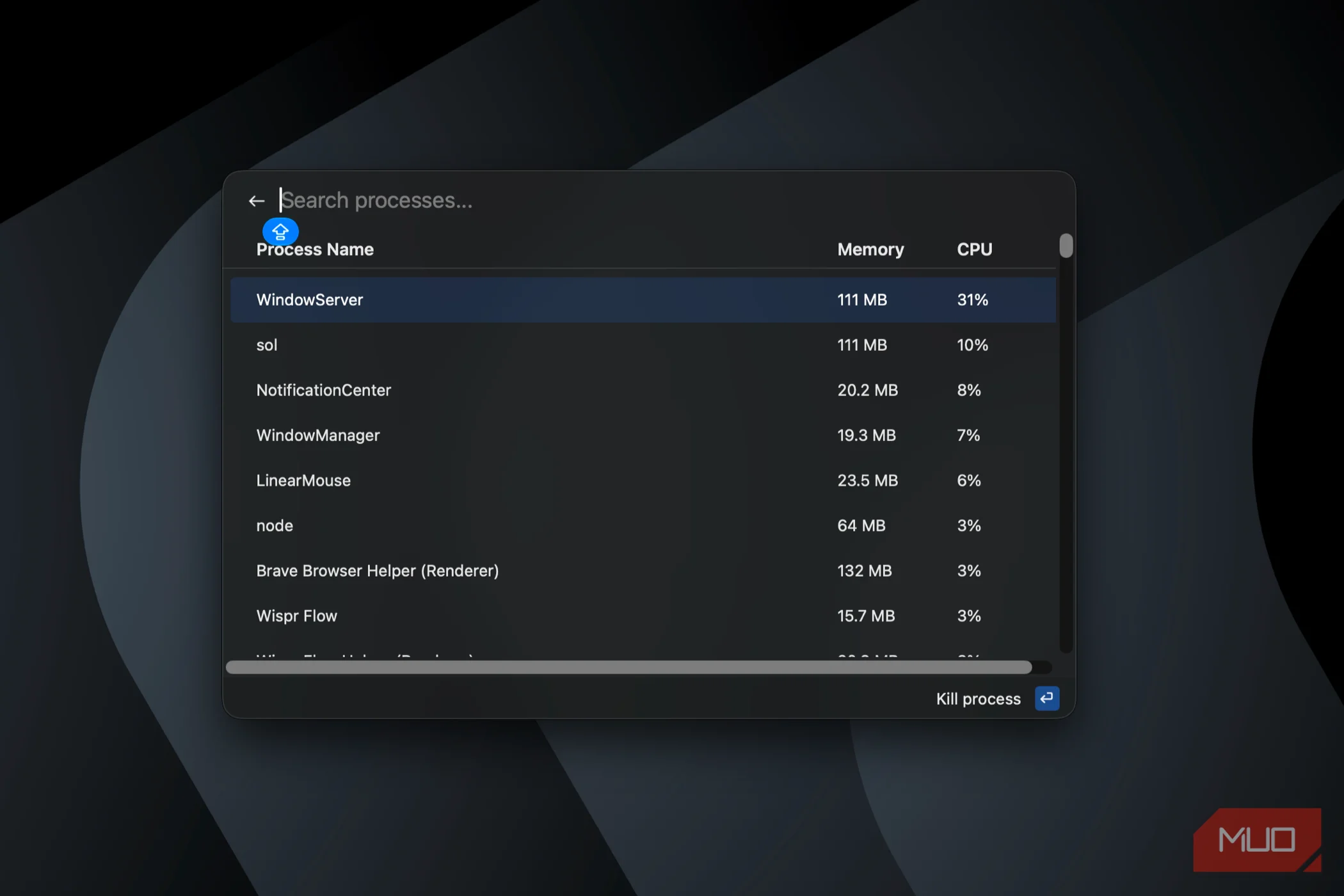
Despite its minimal footprint, Sol doubles as a window and clipboard manager. The clipboard manager neatly keeps track of everything I copy to the clipboard and enables one-click paste. The window manager, on the other hand, lets me resize and rearrange windows using a text-based command or a keyboard shortcut. I also liked how the developer has added some great utilities like Process Manager, Calendar Integration, and Developer Commands.
Sure, you can bring a lot of these features to Raycast using extensions, but each extension adds a bit of footprint. With Sol, however, the balance is between these essential features and more developer- and pro-user-centric ones.
My own commands live in a folder instead of a store
Two comment lines turn a shell script into a command


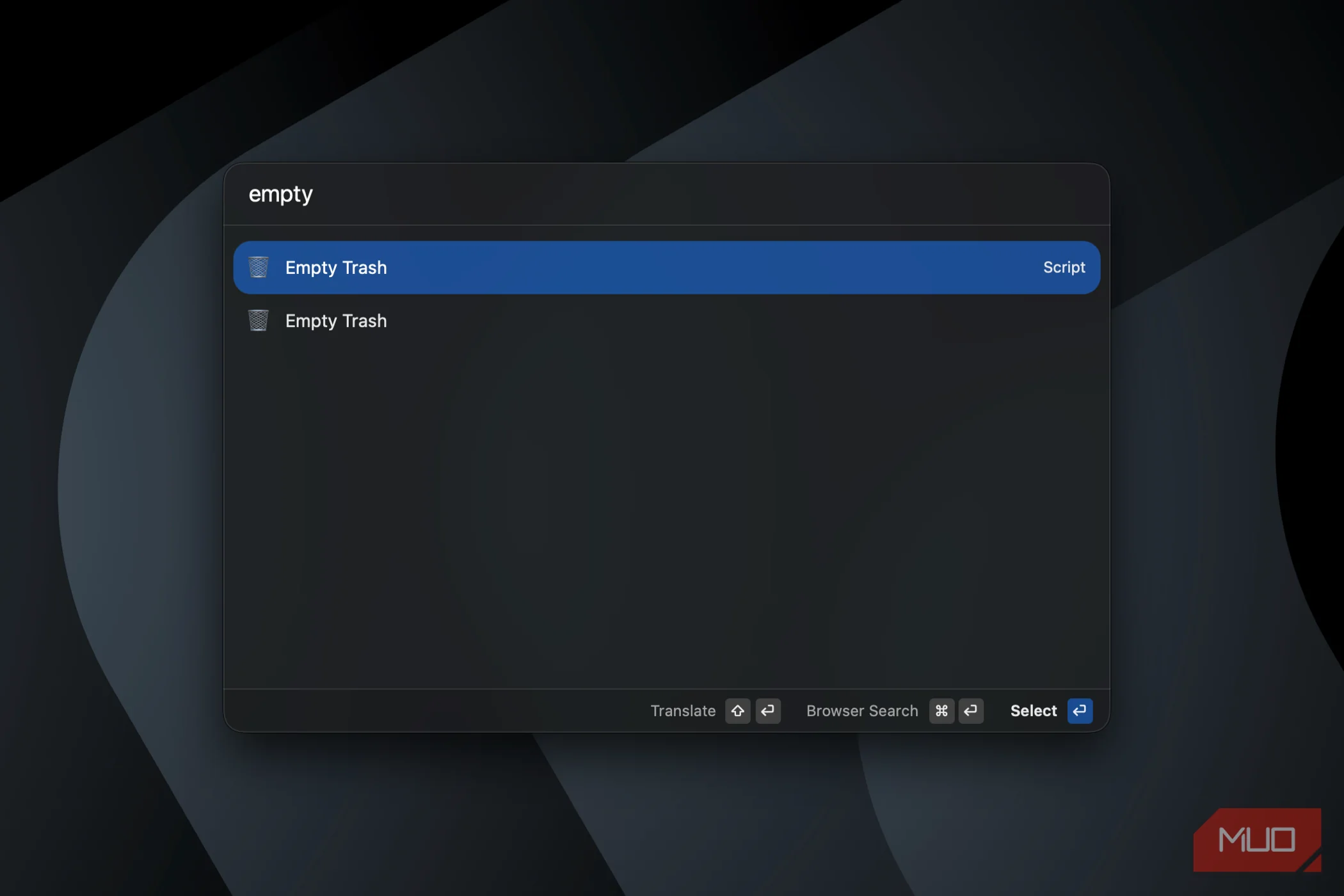
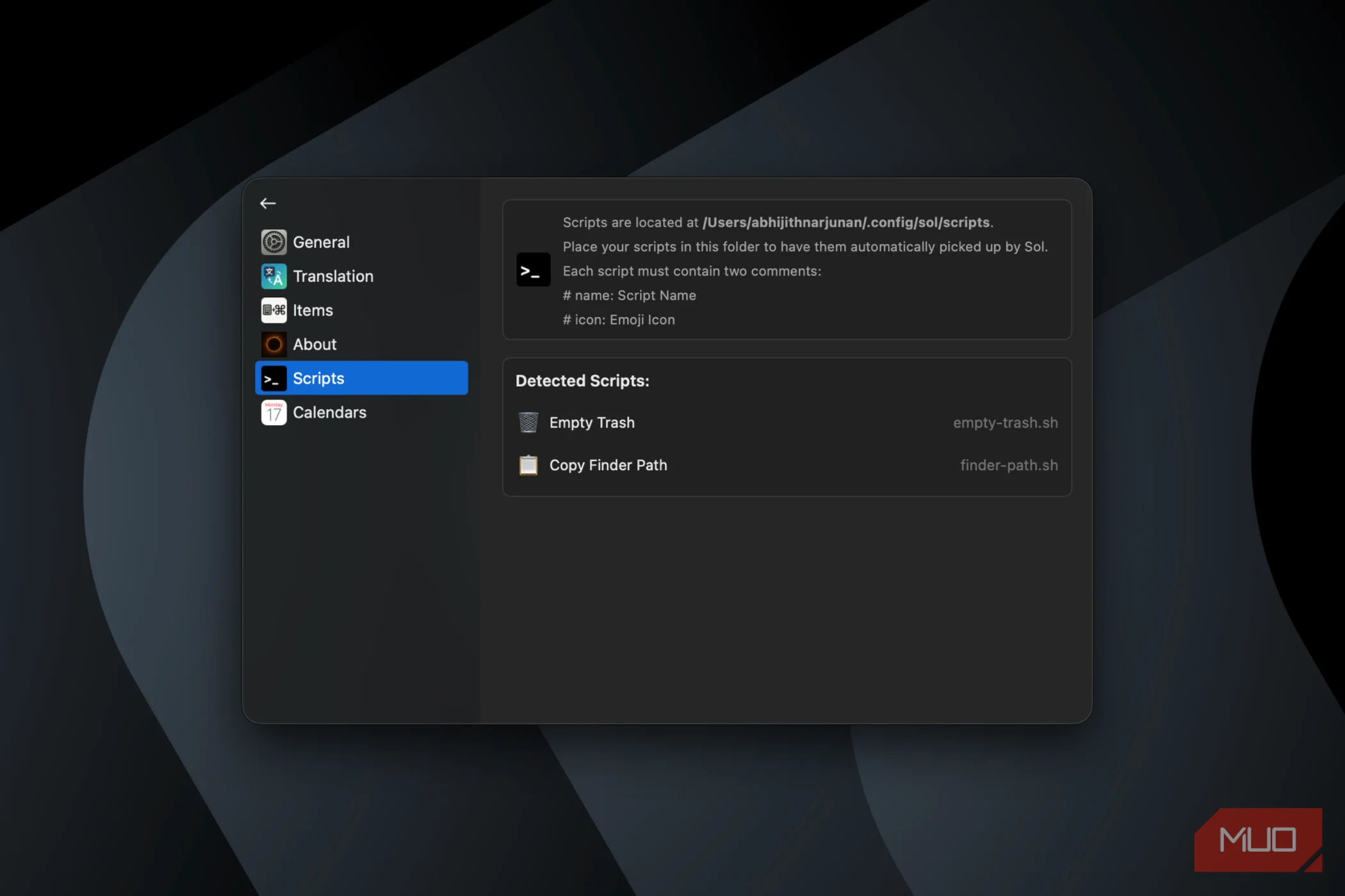
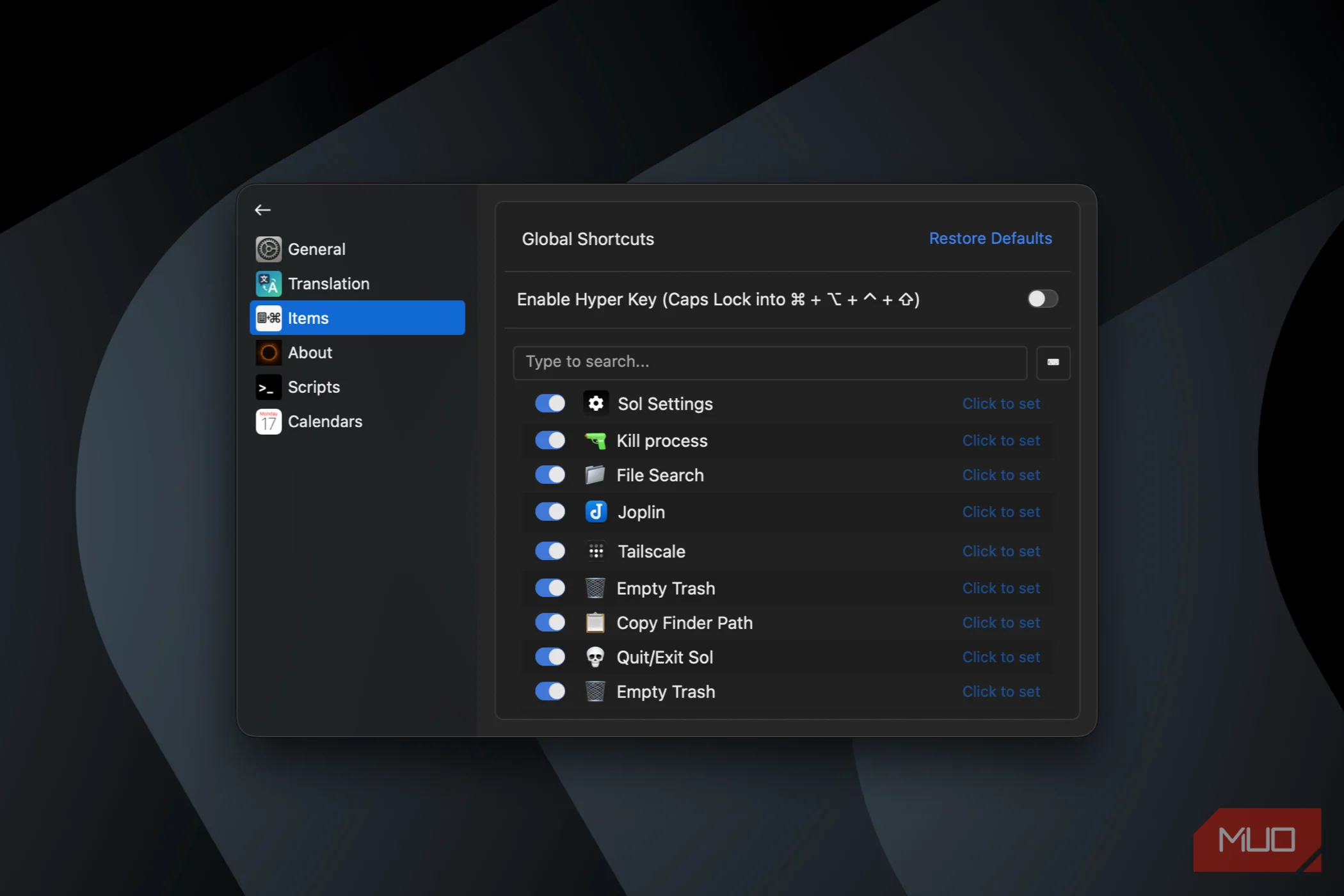
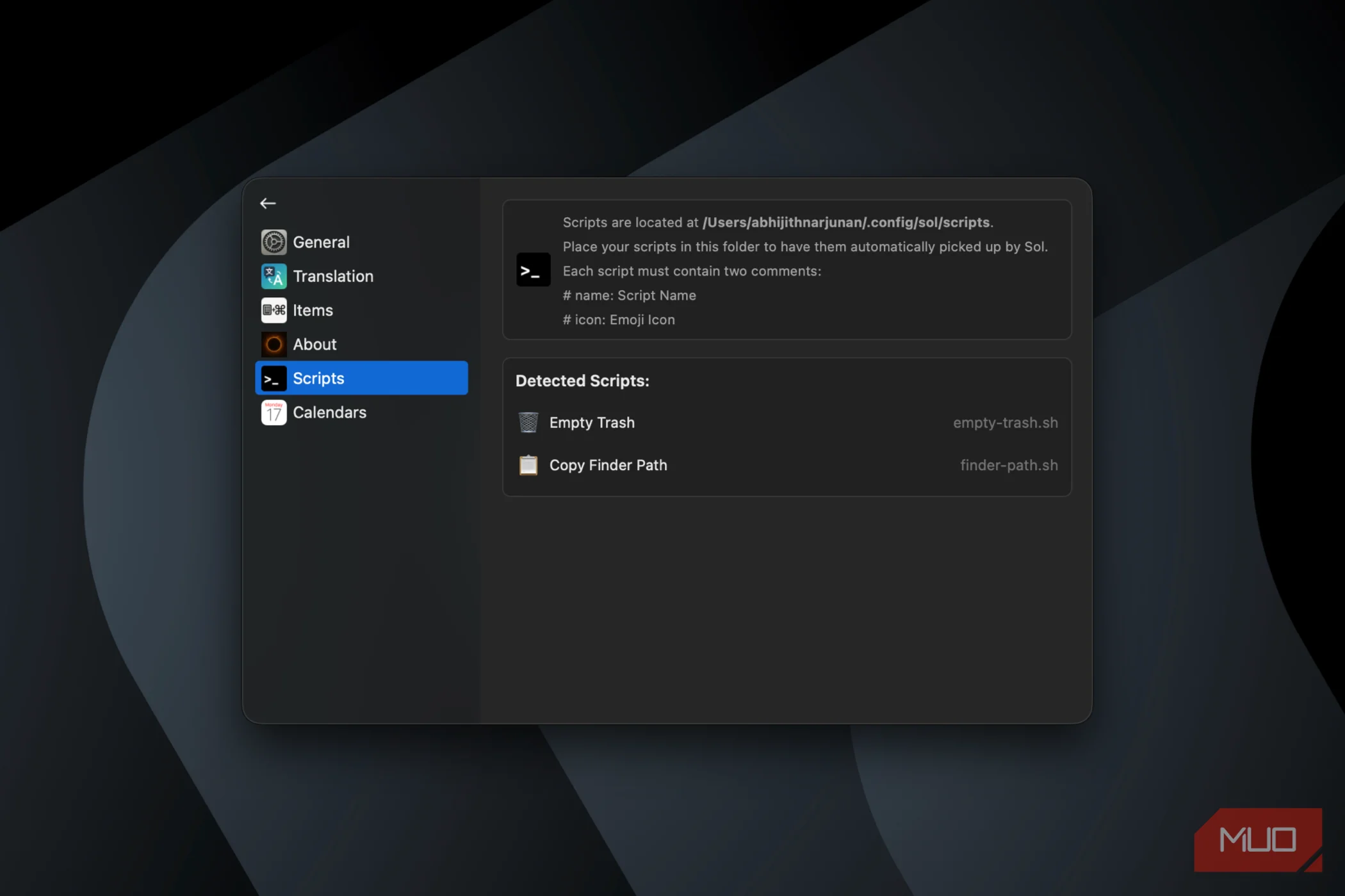
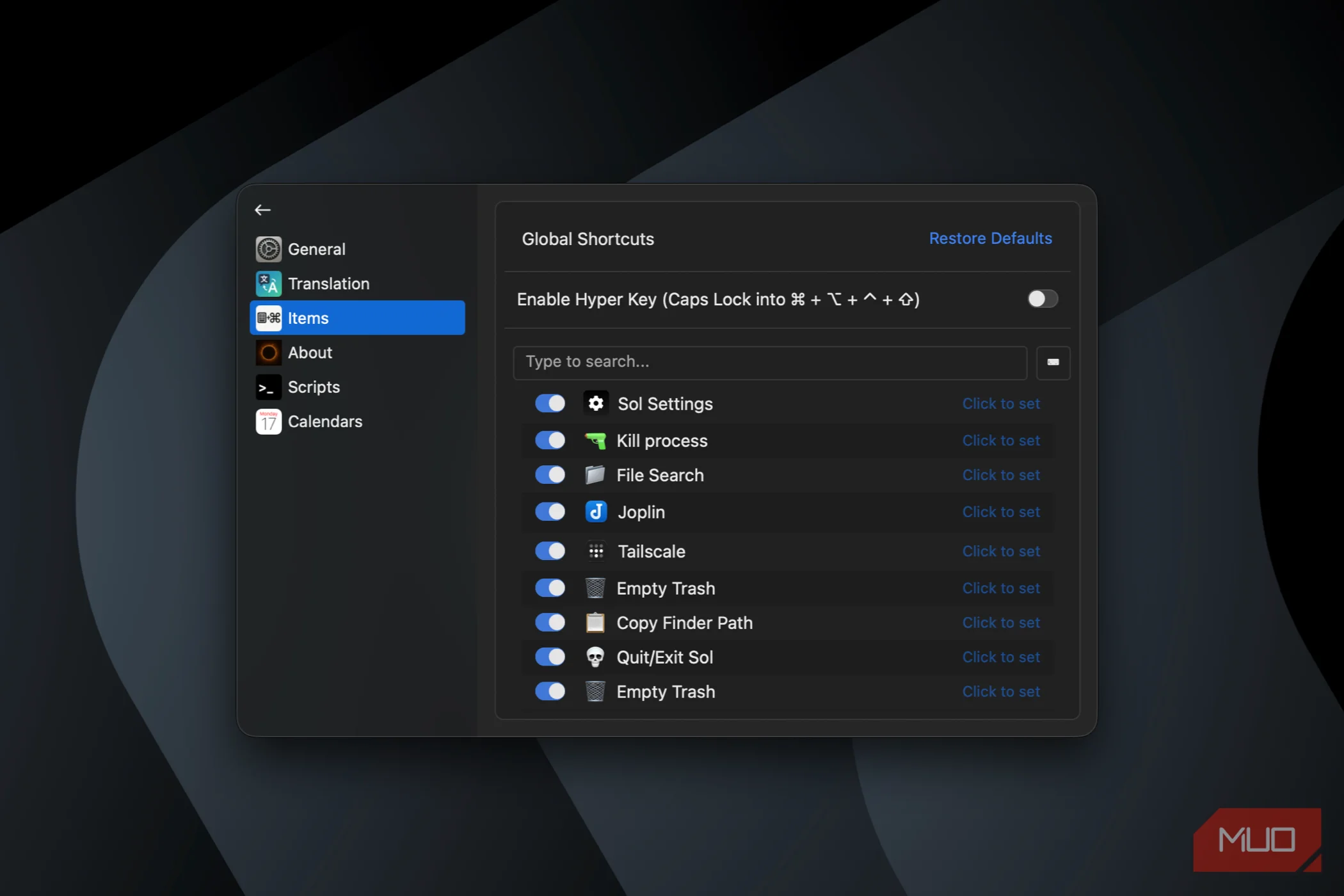
The lack of an extension store doesn't mean you can't customize Sol's functionality. Instead of installing third-party extensions, you can configure scripts using shell and AppleScript. The process takes a minute because you need to save the .sh file into a specific directory, but Sol will pick it up easily.
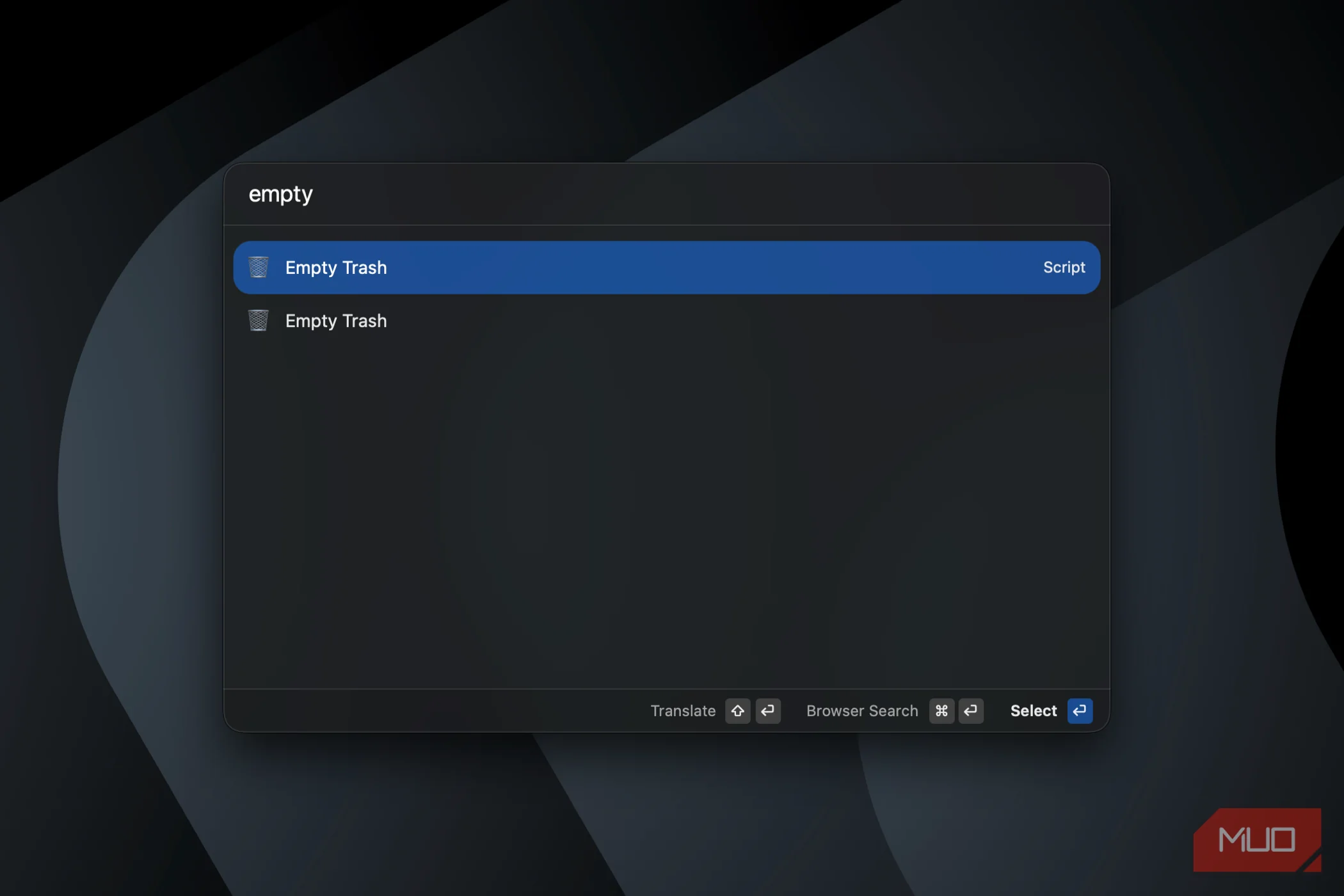
For instance, I created an Empty Trash script that automatically cleans my Trash folder. All I need to do is open the script from the Search pane. I also feel that creating an AppleScript is easier, thanks to AI tools like ChatGPT. You can describe what you want the script to do and simply copy and paste the commands into a corresponding .sh file.
For someone privacy-conscious, Sol's support for these scripts is a blessing, indeed. Just so you know, AppleScript is quite capable when you want to automate your macOS experience.
Where one developer's launcher still falls short
Sol isn't the most feature-rich Spotlight alternative out there, and that's the point. If you're fed up with how congested options like Raycast have become, Sol feels like a breath of fresh air. Nevertheless, it compromises in some areas in order to keep resource consumption to a minimum. For instance, some promised features like bookmark sync skip non-default browsers. Also, some features need an internet connection, which isn't surprising. I still don't feel these are deal-breakers, especially given that it's completely free.